
Image optimization, compression & design — explained simply.
Practical guides from the team behind Image EditPro. Free to read. Free tools at the end of every post.
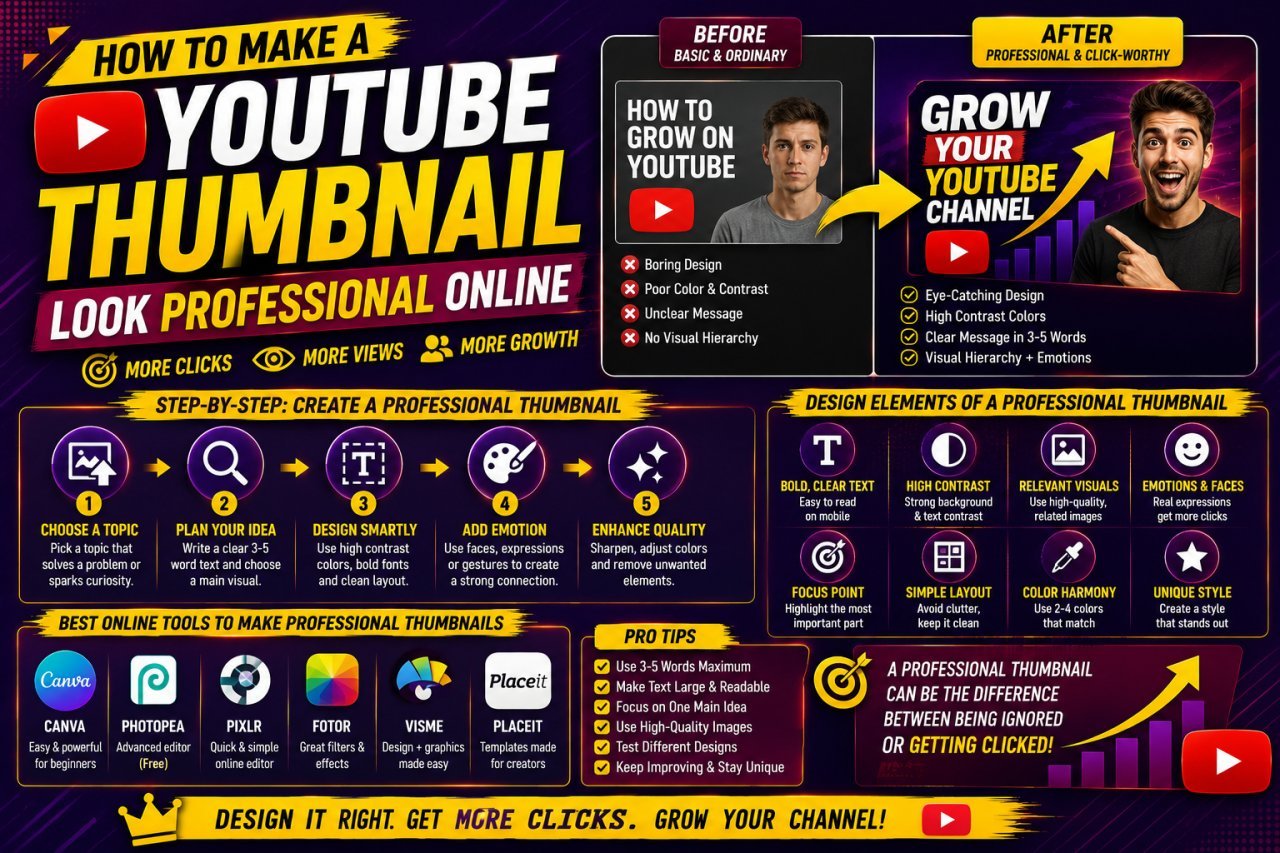
How to Make a YouTube Thumbnail Look Professional Online
Learn how to make a YouTube thumbnail look professional online with better layouts, images, text, colors, branding, and simple design techniques.
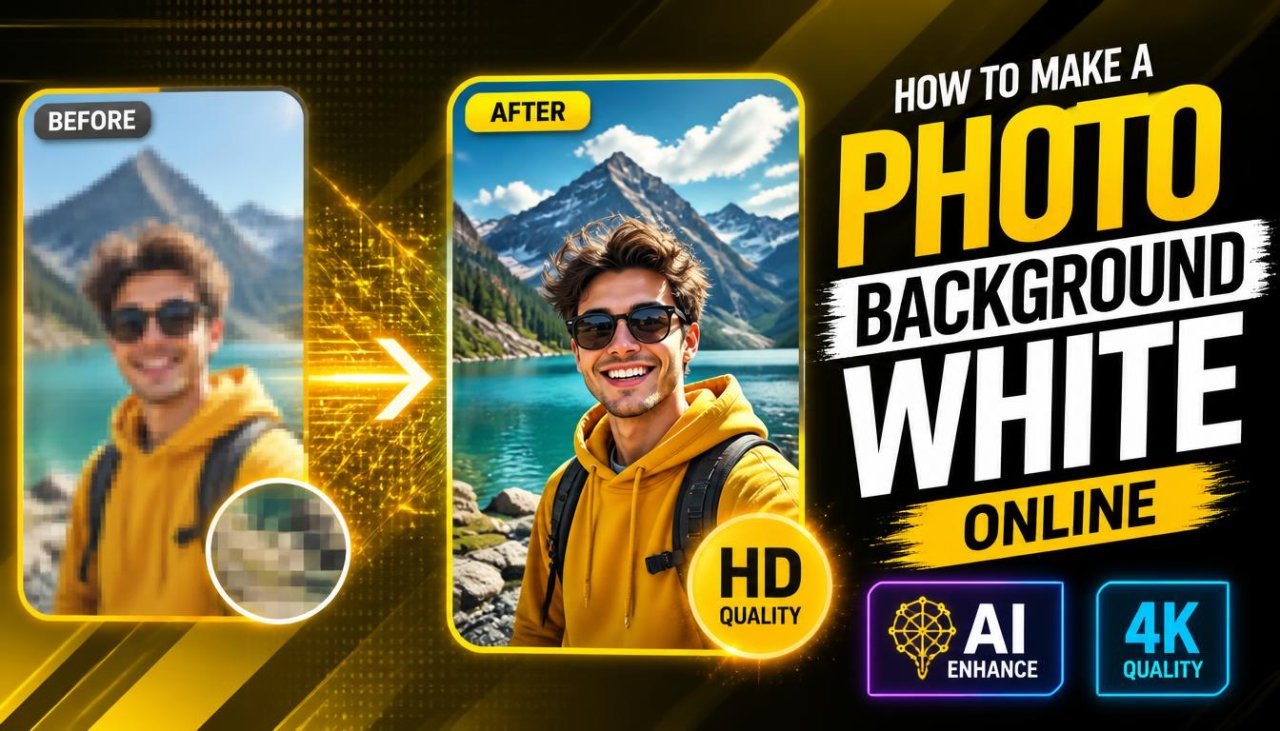
How to Make a Photo Background White Online
Learn how to make a photo background white online using simple photo editing tools. Remove distracting backgrounds, add a clean white background, and create professional-looking images without Photoshop.
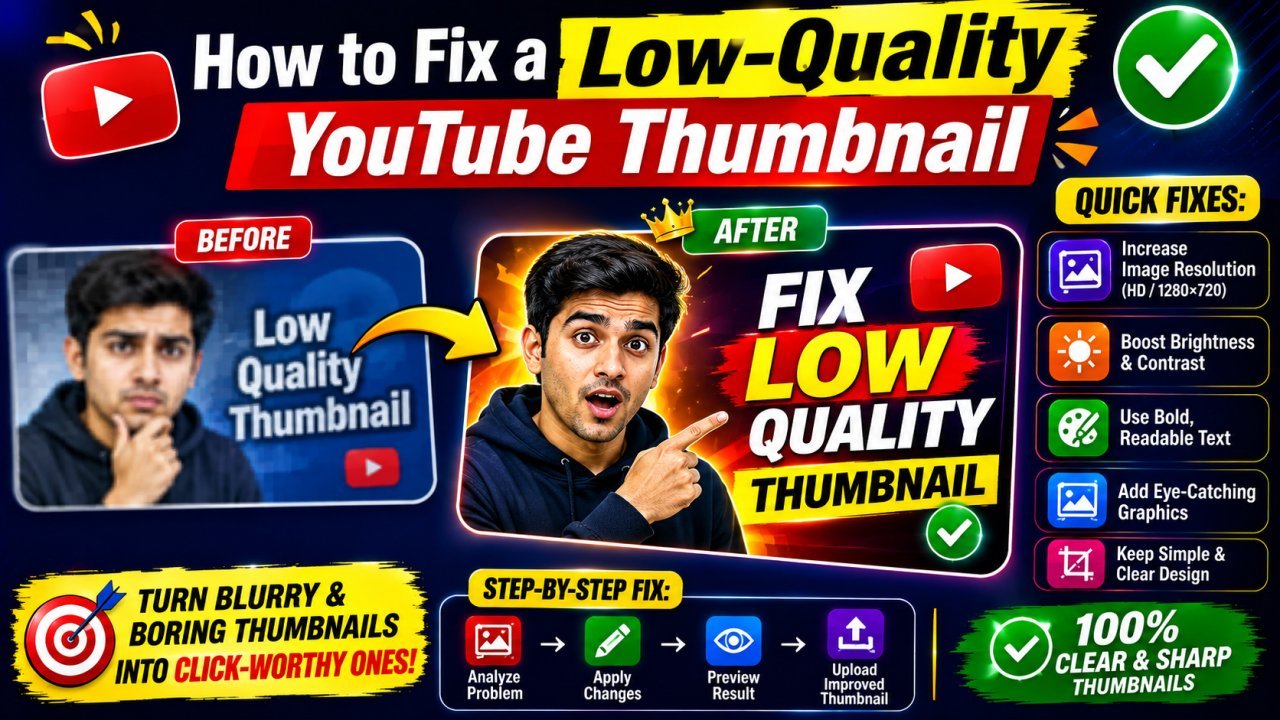
How to Fix a Low-Quality YouTube Thumbnail
Learn how to fix a low-quality YouTube thumbnail by improving resolution, sharpness, colors, text, and composition. This beginner-friendly guide explains practical ways to make blurry, pixelated, compressed, or dull thumbnails look clearer and more professional.
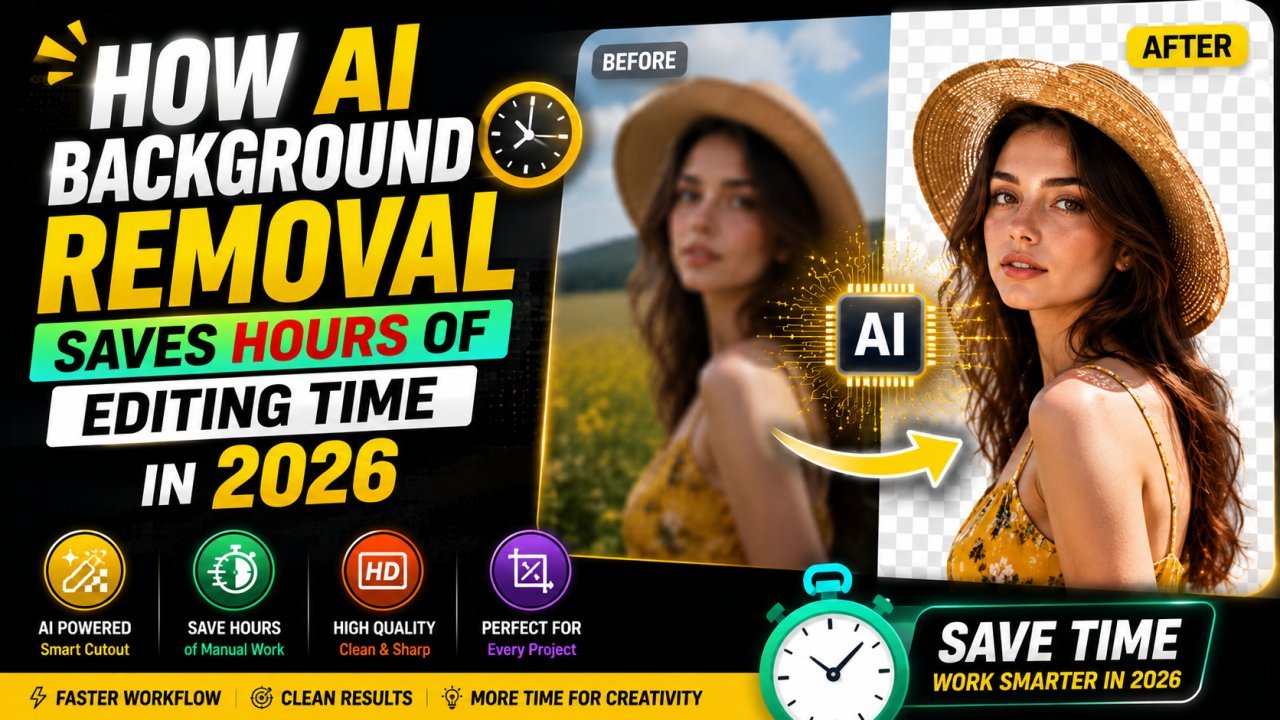
How AI Background Removal Saves Hours of Editing Time in 2026
Discover how AI background removal helps creators, businesses, and photographers save hours of editing time by removing image backgrounds instantly with professional-quality results.
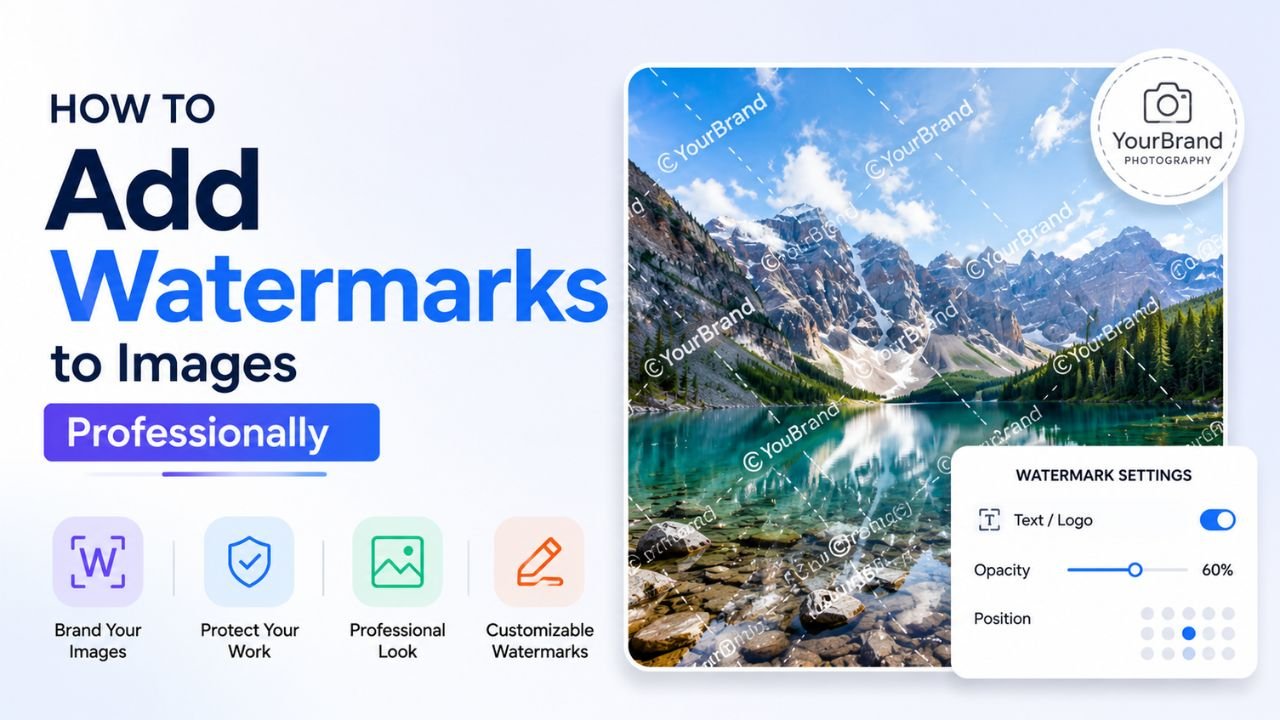
How to Add Watermarks to Images Professionally (Without Ruining Them)
A bad watermark screams 'amateur'. A good one protects your work invisibly. Here's the difference, with practical placement, opacity, and sizing rules.
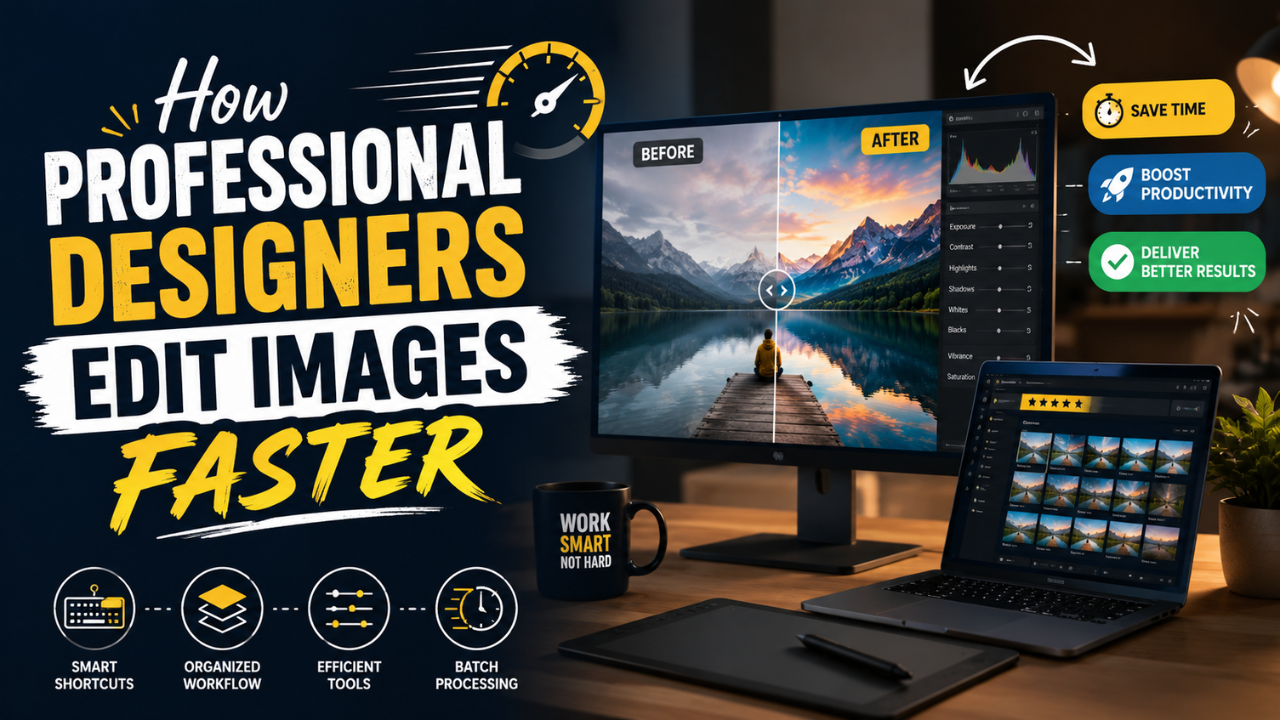
How Professional Designers Edit Images 10× Faster (Real Workflow Secrets)
The gap between amateur and pro editing isn't talent — it's workflow. Here's how working designers process 100+ images per day without burning out.
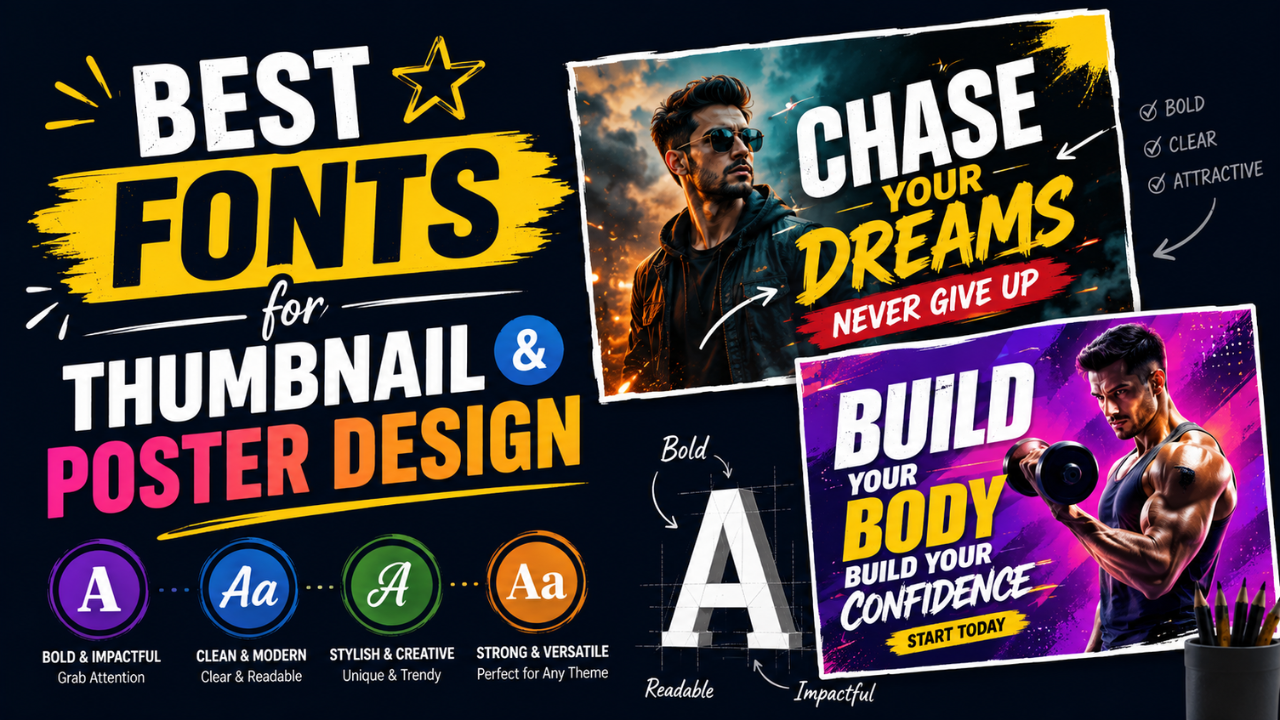
Best Fonts for Thumbnail and Poster Design (and the Ones to Avoid)
The wrong font is the difference between 'amateur Canva' and 'looks professionally designed'. Here are the fonts that consistently work for thumbnails and posters — most free.