
Image optimization, compression & design — explained simply.
Practical guides from the team behind Image EditPro. Free to read. Free tools at the end of every post.
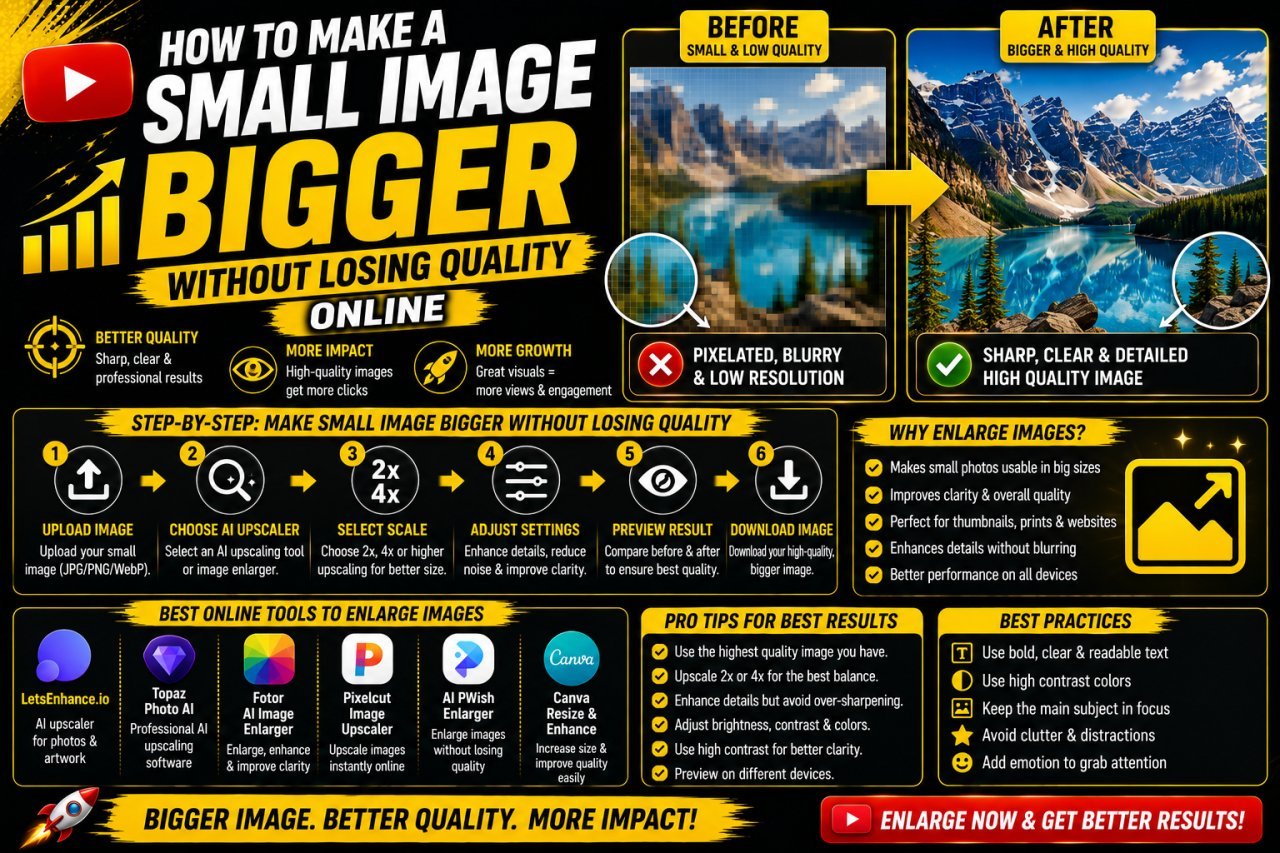
How to Make a Small Image Bigger Without Losing Quality
Learn how to make a small image bigger without losing quality using proper resizing, image upscaling, sharpening, cropping, and export techniques.
How to Make a Picture Square Without Cropping It
Learn how to make a picture square without cropping it. Add space around your photo, change the canvas size, and keep the entire image visible.
How to Crop a Photo to Any Size Without Losing Quality
Learn how to crop a photo to any size without losing quality. Discover the right dimensions, aspect ratios, resolution tips, and simple cropping techniques.
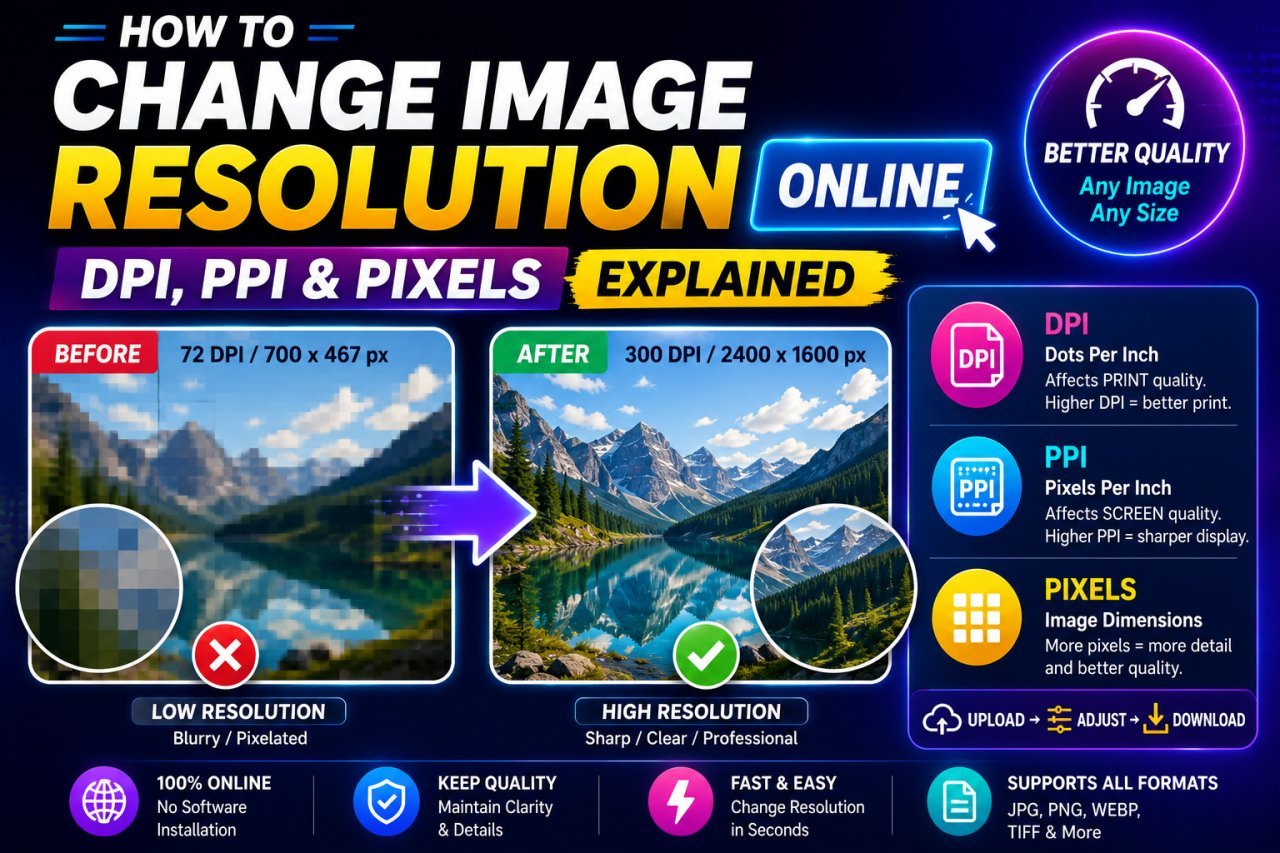
How to Change Image Resolution Online: DPI, PPI & Pixels Explained
Learn how to change image resolution online and understand DPI, PPI, and pixels. Discover the difference between digital image size and print resolution.
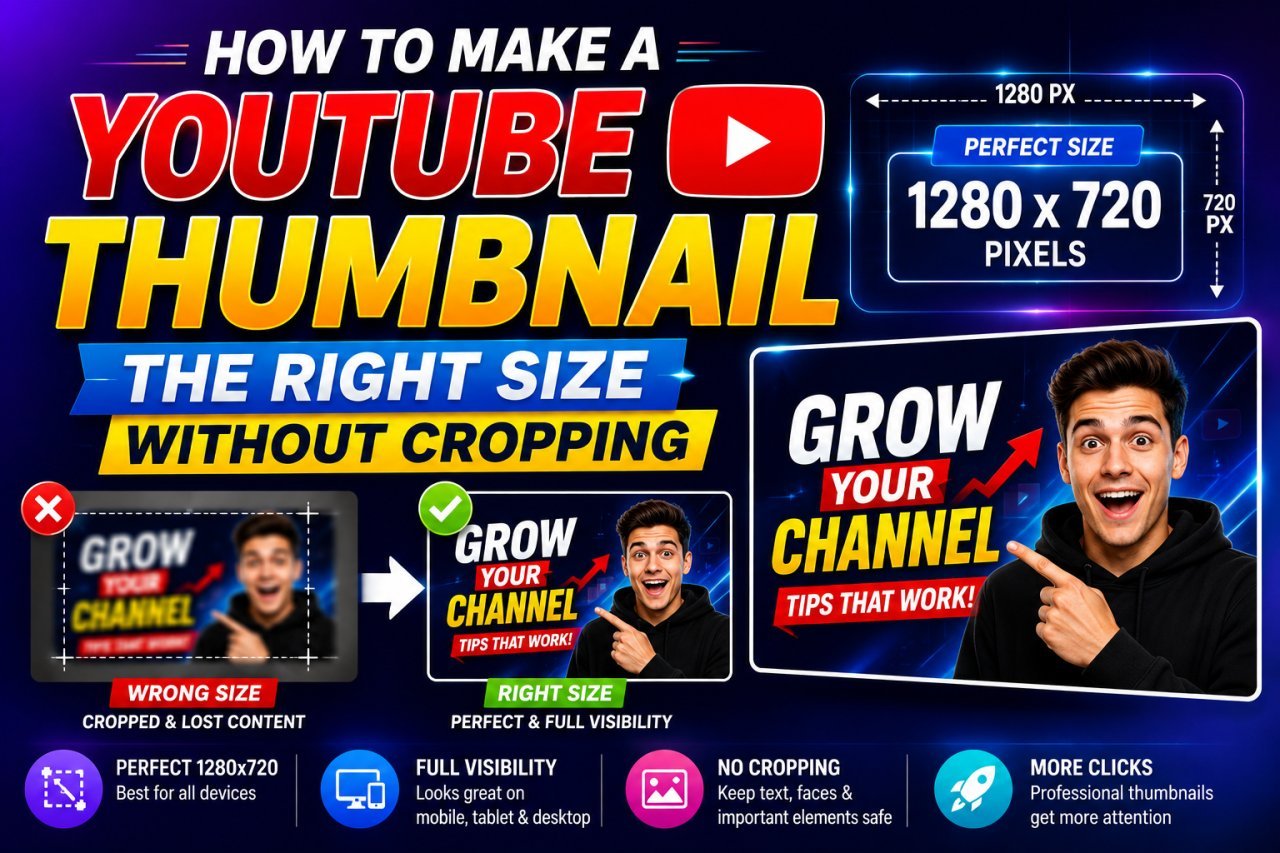
How to Make a YouTube Thumbnail the Right Size Without Cropping
Learn how to make a YouTube thumbnail the right size without cropping. Understand the correct aspect ratio, dimensions, resizing methods, and common mistakes.
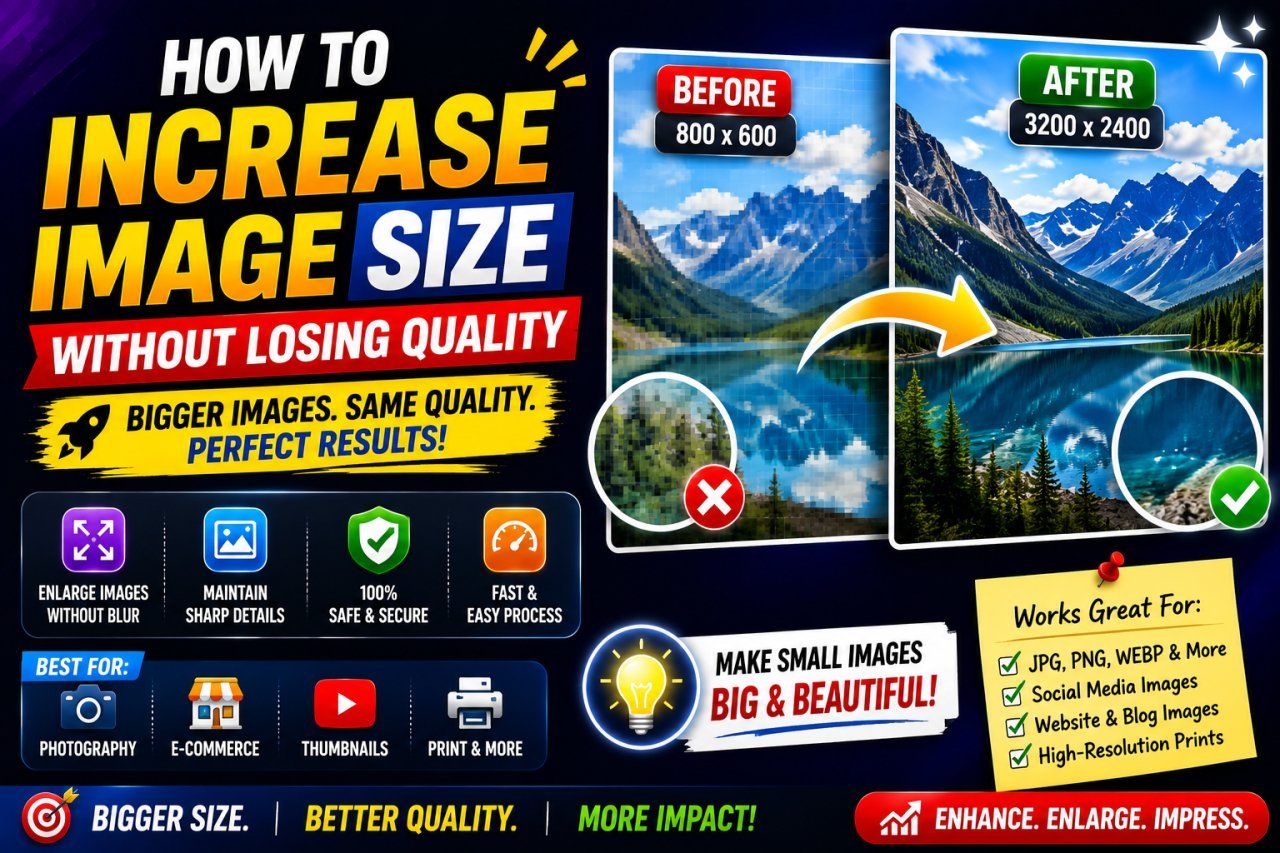
How to Increase Image Size Without Losing Quality
Want to make a small image larger without making it blurry? Learn practical ways to increase image size, improve resolution, reduce pixelation, and keep photos, graphics, and text as clear as possible.
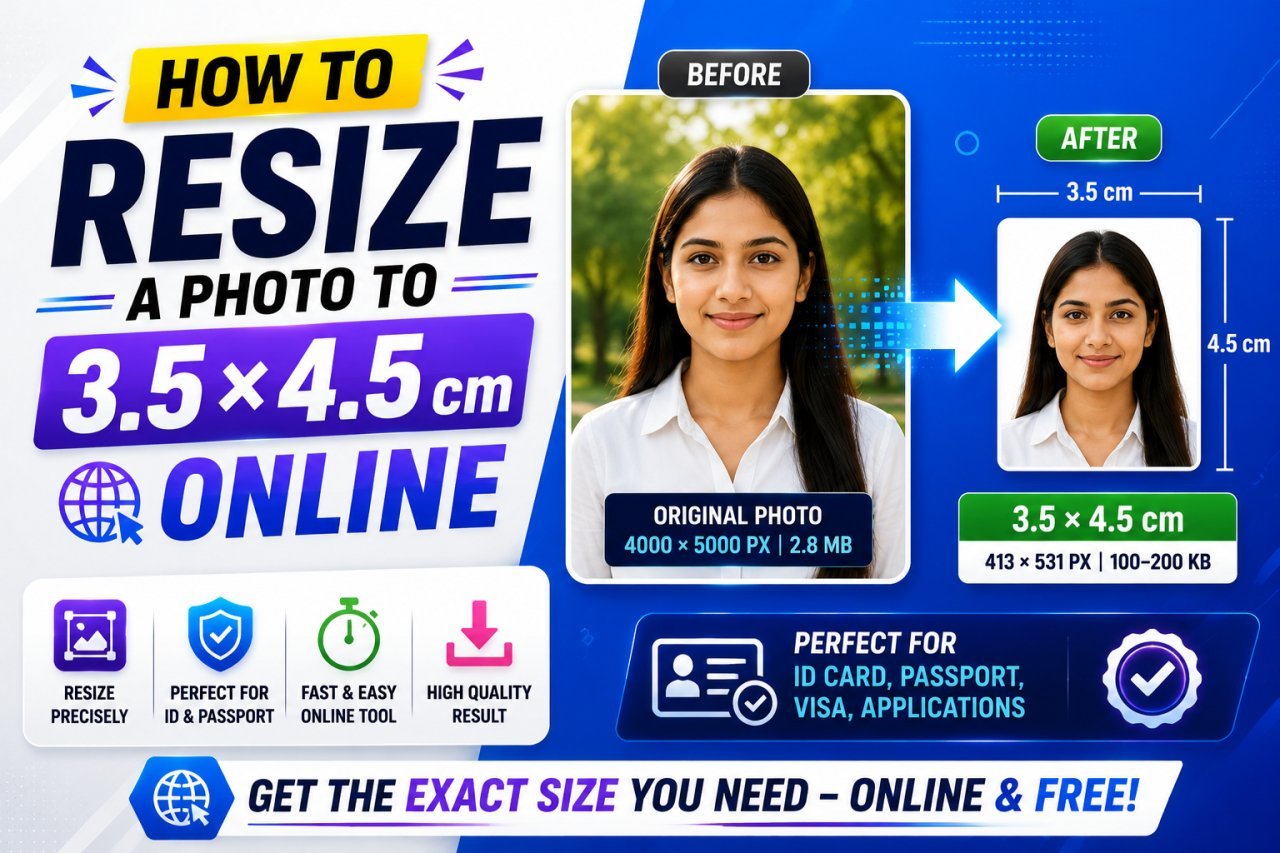
How to Resize a Photo to 3.5 × 4.5 cm Online
Learn how to resize a photo to 3.5 × 4.5 cm online, including pixels, DPI, aspect ratio, file size, cropping, and photo upload requirements.
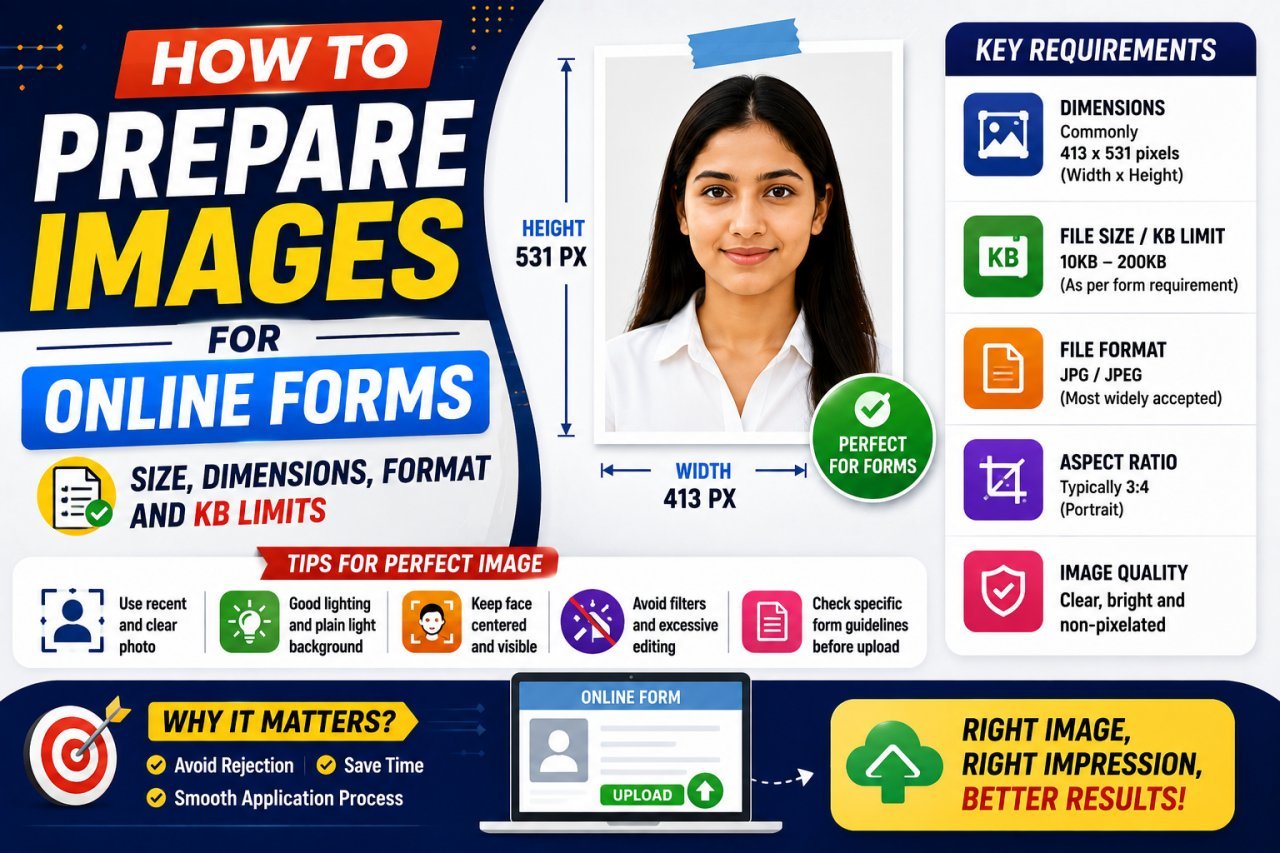
How to Prepare Images for Online Forms: Complete Guide
Need to upload a photo to an online form? Learn how to prepare images with the correct pixels, dimensions, file format, KB or MB limit, aspect ratio, and image quality so your file uploads successfully without becoming blurry.
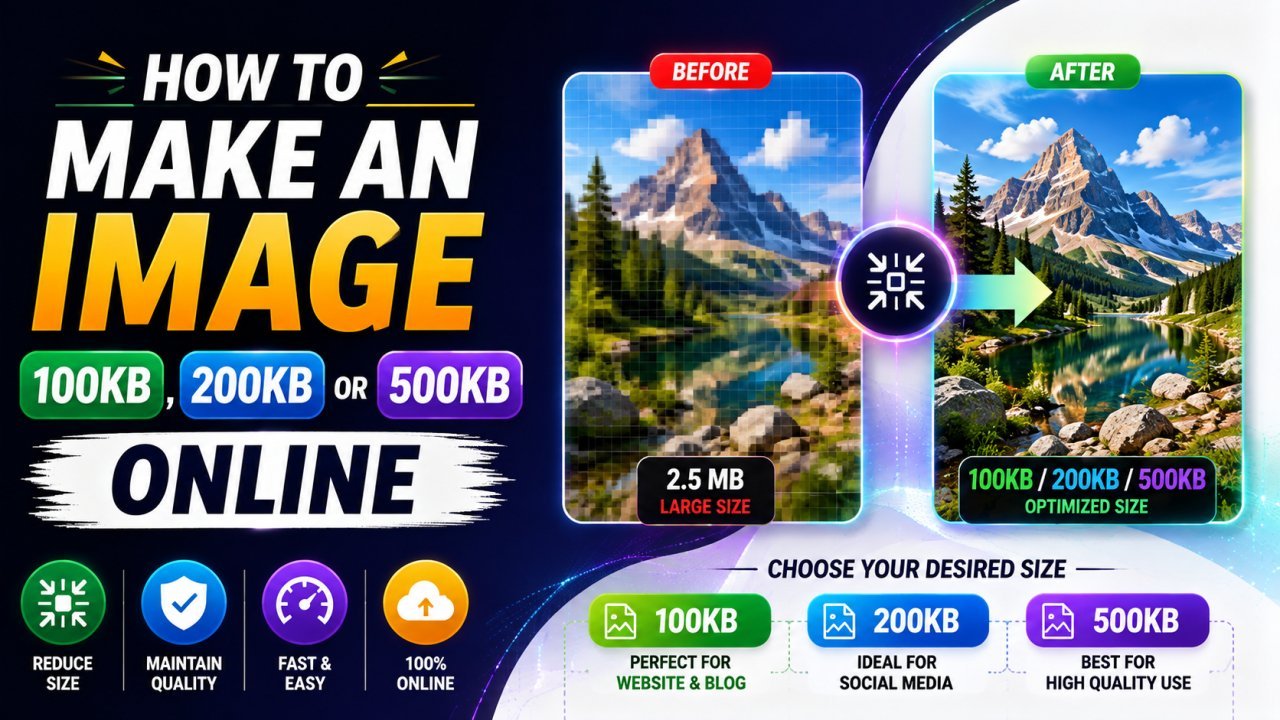
How to Make an Image 100KB, 200KB, or 500KB Online
Learn how to make an image 100KB, 200KB, or 500KB online without making it look blurry. This guide explains how to resize and compress JPG, PNG, and WebP images to meet specific file-size limits.
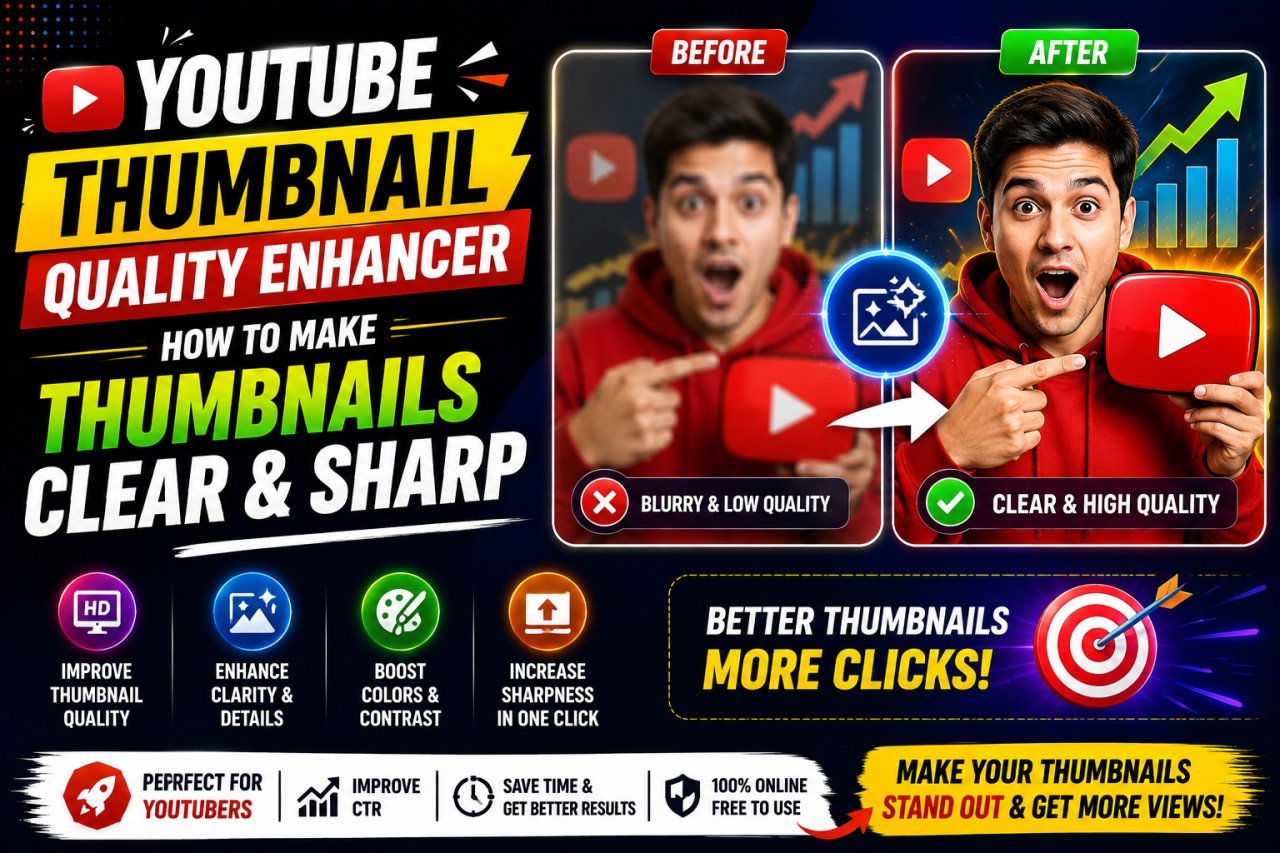
YouTube Thumbnail Quality Enhancer: Make Thumbnails Clear & Sharp
Want clearer YouTube thumbnails? Learn how to enhance thumbnail quality, fix blurry images, sharpen details, resize correctly, reduce compression, and create thumbnails that look crisp on phones, desktops, and TVs.
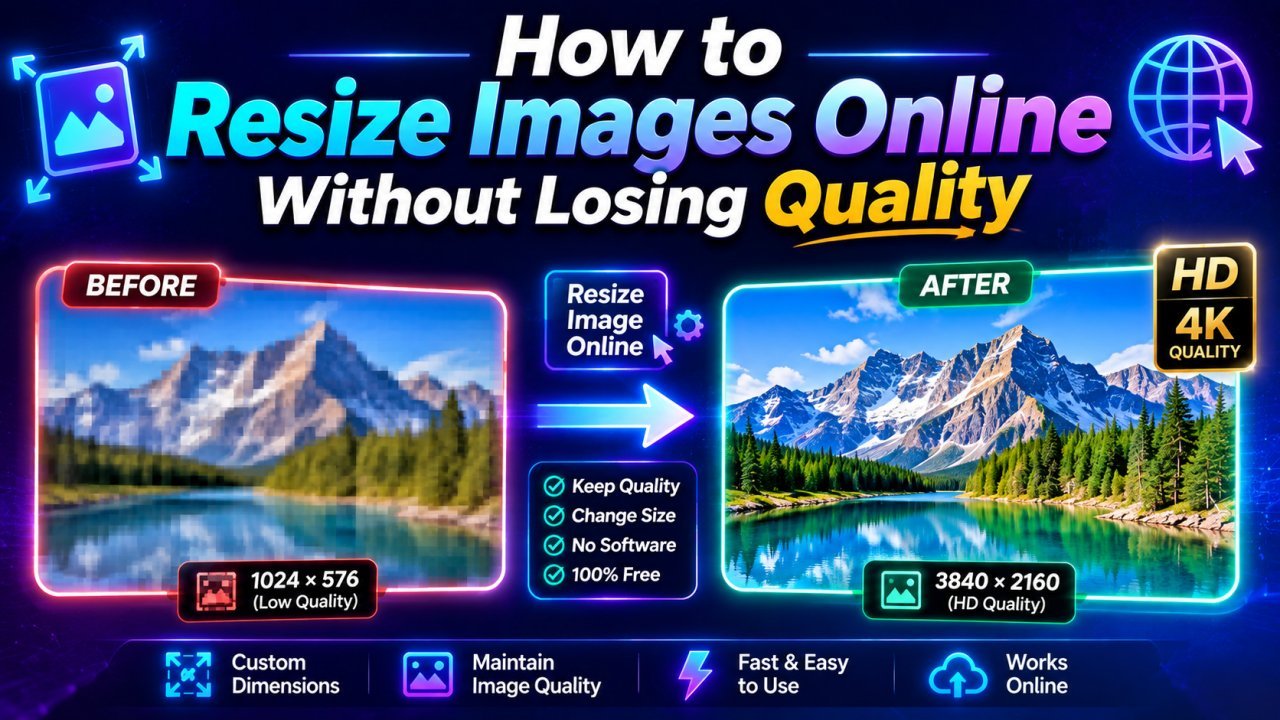
How to Resize Images Online Without Losing Quality (2026 Guide)
Learn how to resize images online without losing quality using free AI-powered tools. Discover the best methods, image dimensions, resizing tips, and SEO best practices for JPG, PNG, WebP, and AVIF im
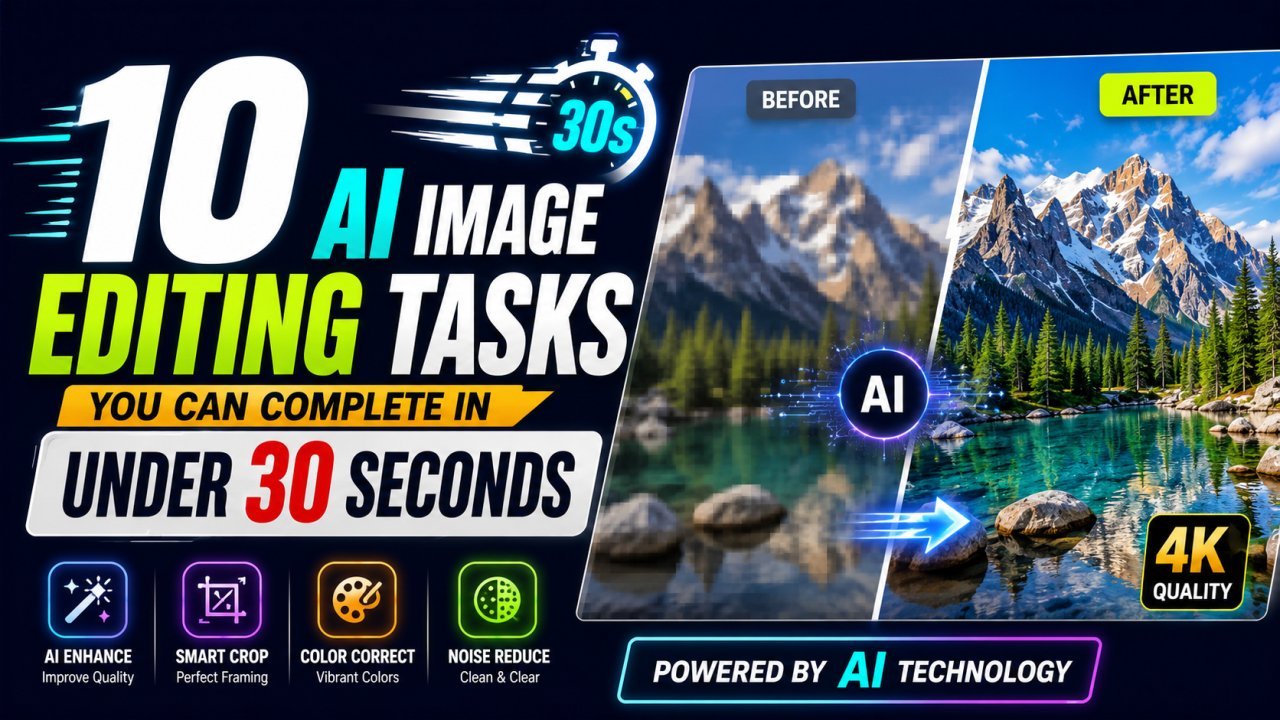
10 AI Image Editing Tasks You Can Complete in Under 30 Seconds
Discover 10 everyday image editing tasks you can complete in under 30 seconds using AI. Remove backgrounds, enhance photos, resize, compress, convert formats, and more—all online.
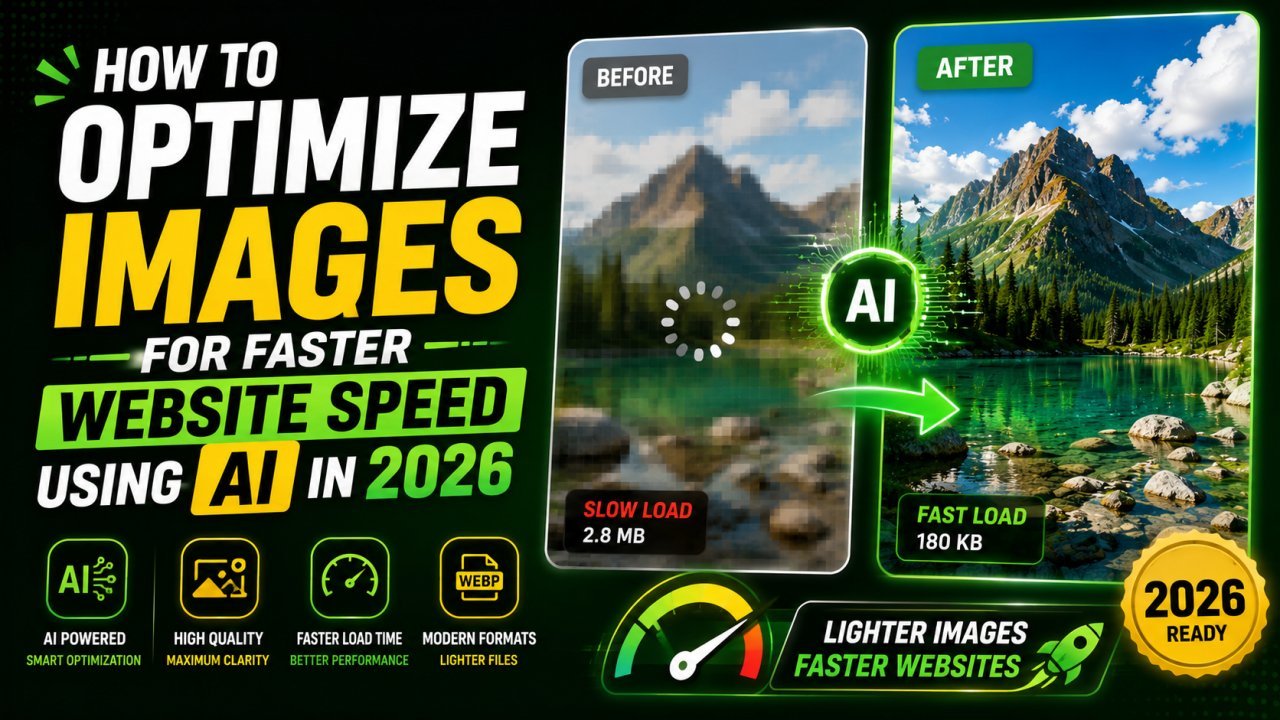
How to Optimize Images for Faster Website Speed Using AI in 2026
Learn how AI image optimization improves website speed, SEO, and Core Web Vitals. Discover how to compress, resize, and convert images without losing quality in 2026.
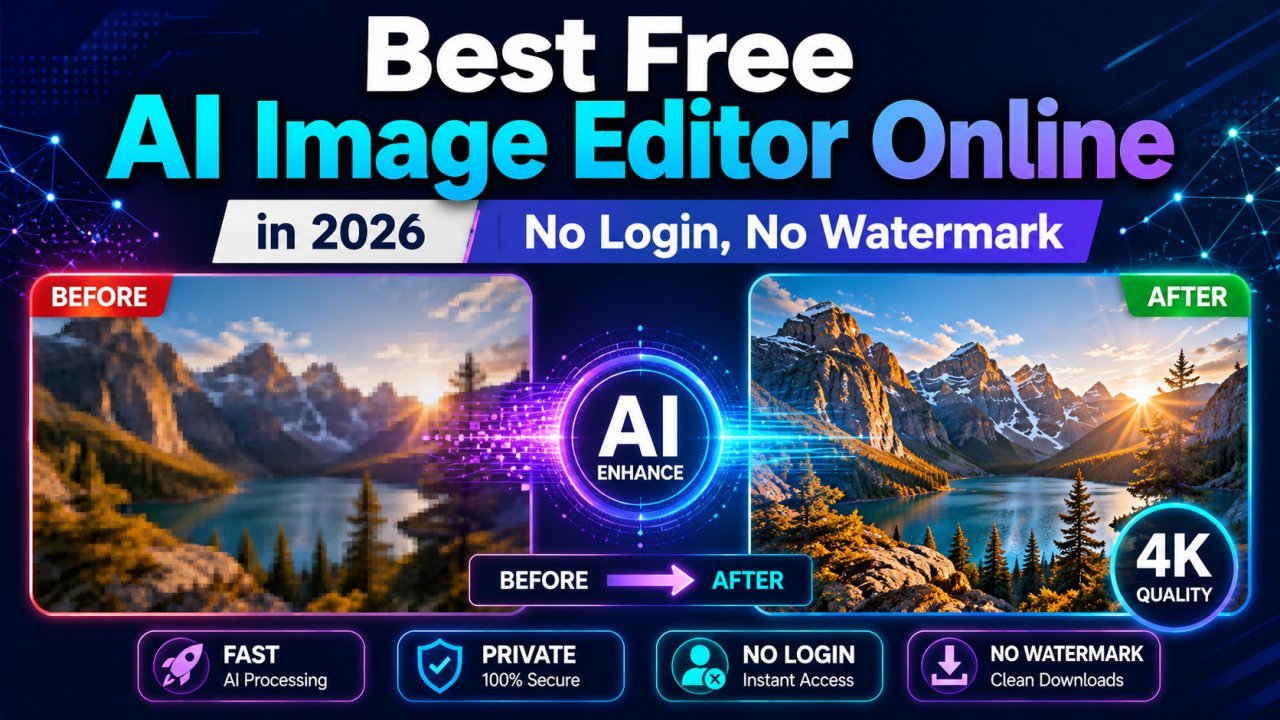
Edit Photos Free in 2026: No Login, No Watermark, No Upload
Discover the best free AI image editor online in 2026. Remove backgrounds, enhance photos, resize, compress, convert HEIC to JPG, and optimize images without login, downloads, or watermarks.
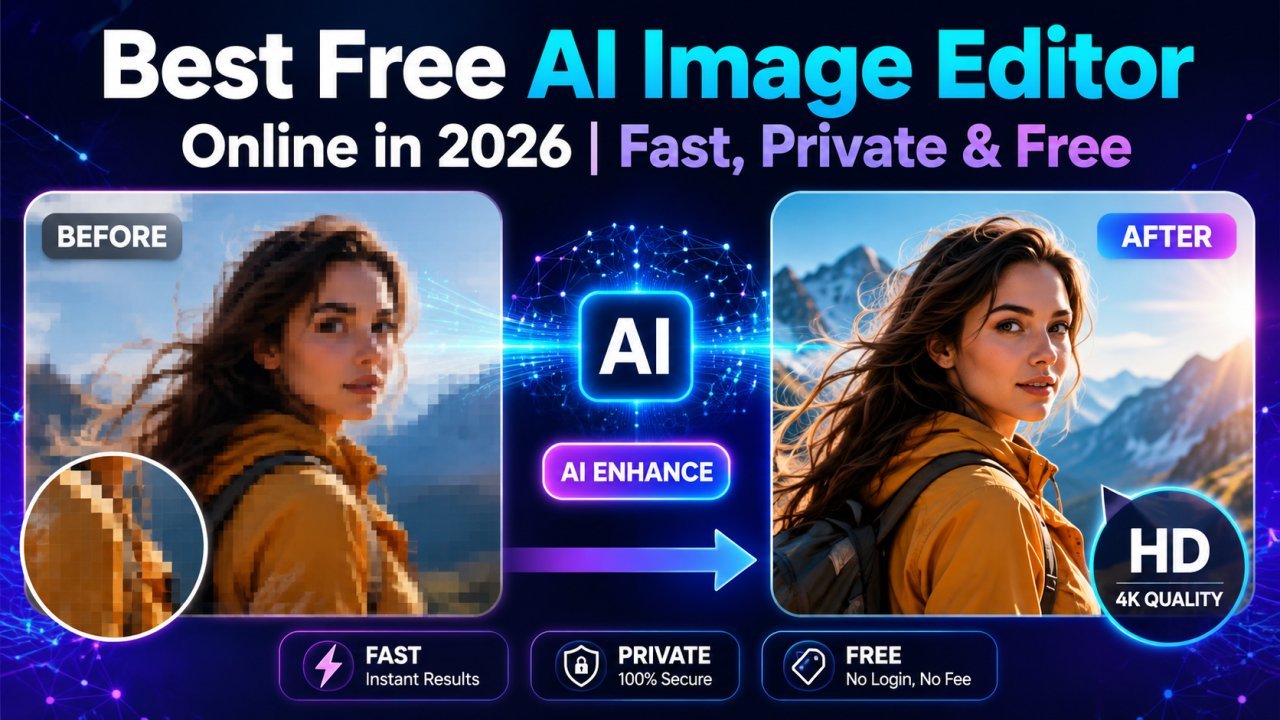
Best Free AI Image Editor Online in 2026 | Fast, Private & Free
Edit photos instantly with the best free AI image editor online. Remove backgrounds, enhance images, resize, crop, and optimize files without login or watermark directly in your browser.
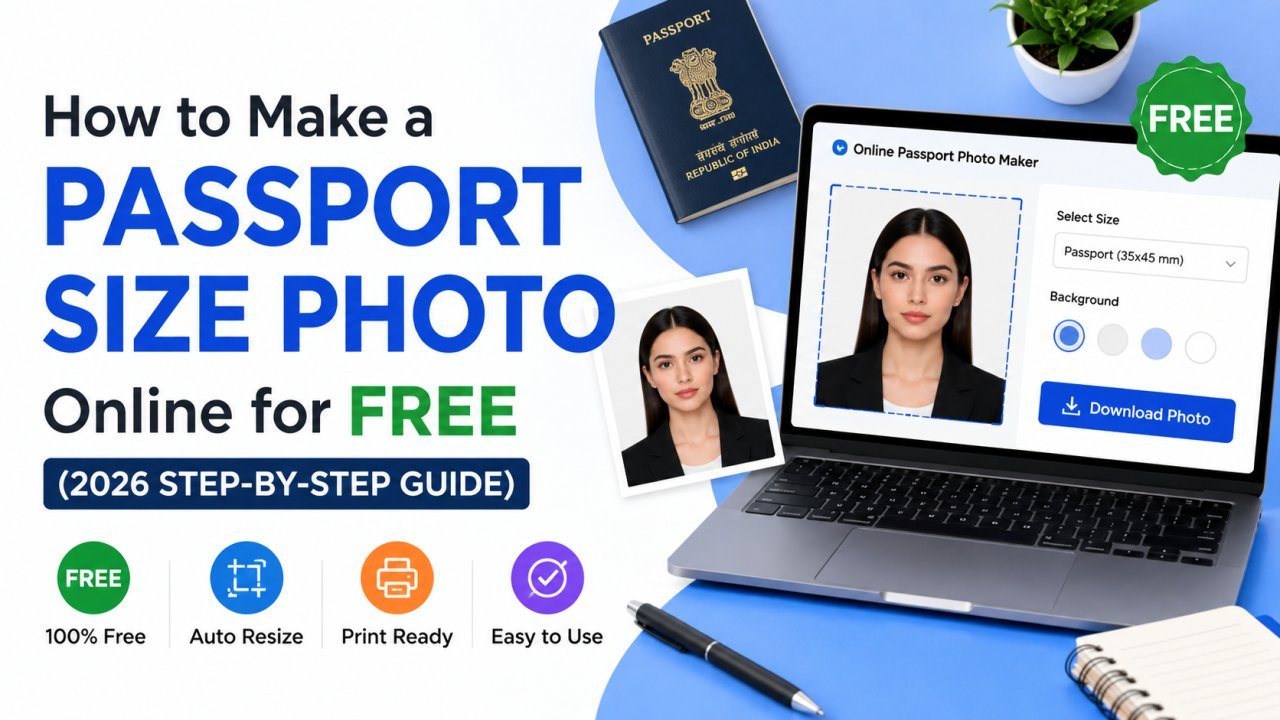
How to Make a Passport Size Photo Online for Free (2026 Step-by-Step Guide)
You don't need a photo studio for a passport, visa, or exam photo anymore. Here's how to turn a normal selfie into a perfectly sized, correctly cropped passport photo online — free and in minutes.
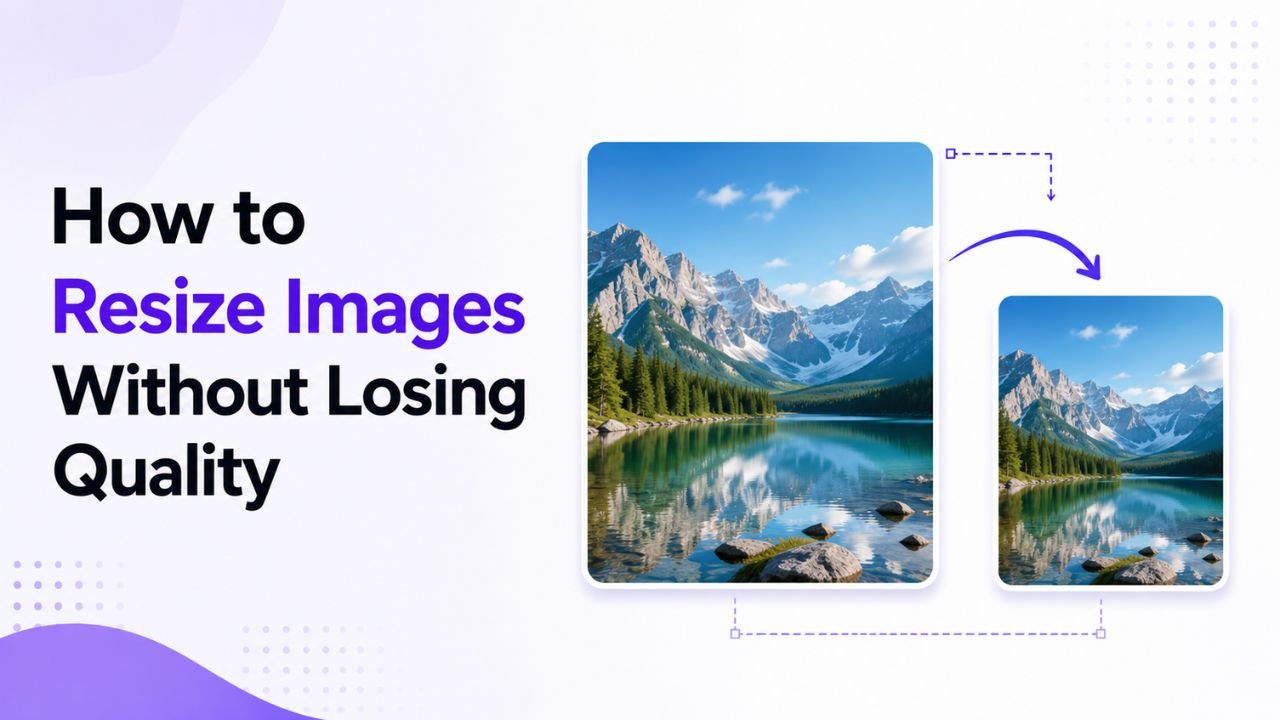
Why Resized Images Come Out Blurry (And How to Stop It)
Resizing seems trivial but most tools make it look worse than it should. Here's how to keep images crisp regardless of which direction you're going.