
Image optimization, compression & design — explained simply.
Practical guides from the team behind Image EditPro. Free to read. Free tools at the end of every post.
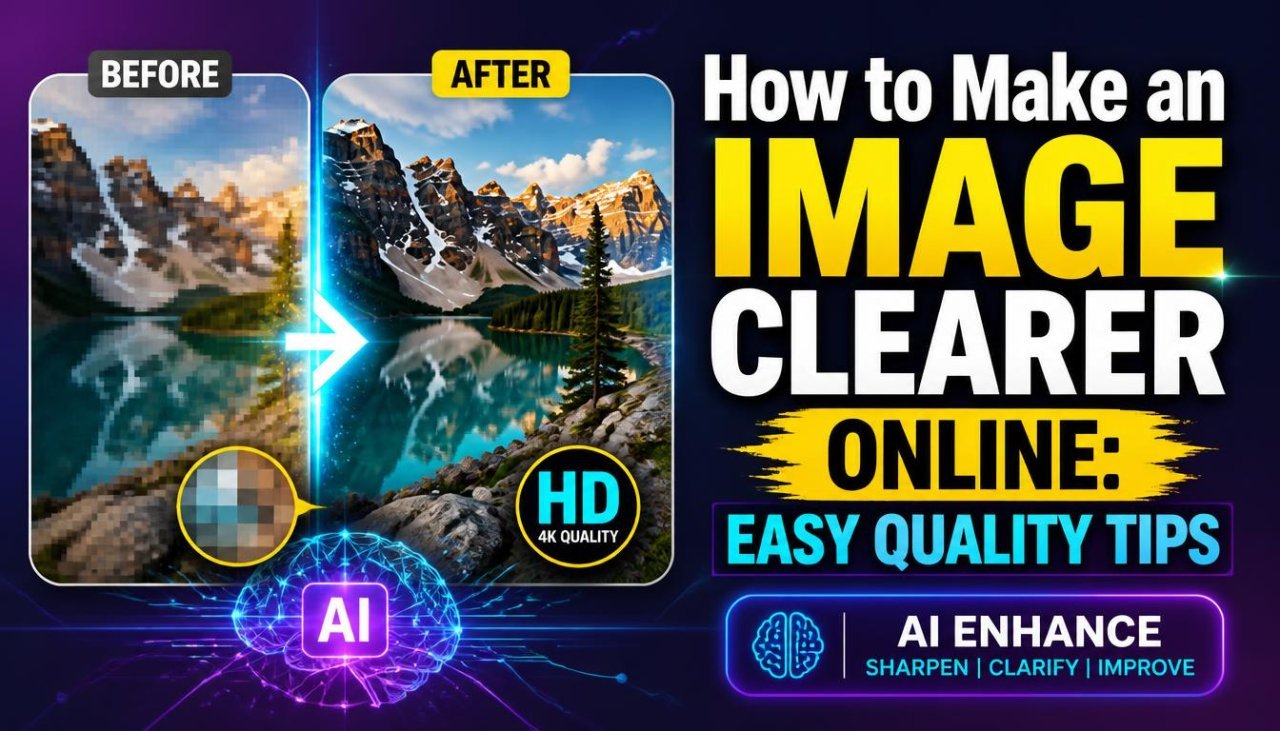
How to Make an Image Clearer Online: Easy Quality Tips
Learn how to make an image clearer online by improving sharpness, reducing blur, adjusting lighting, and increasing resolution with practical methods.
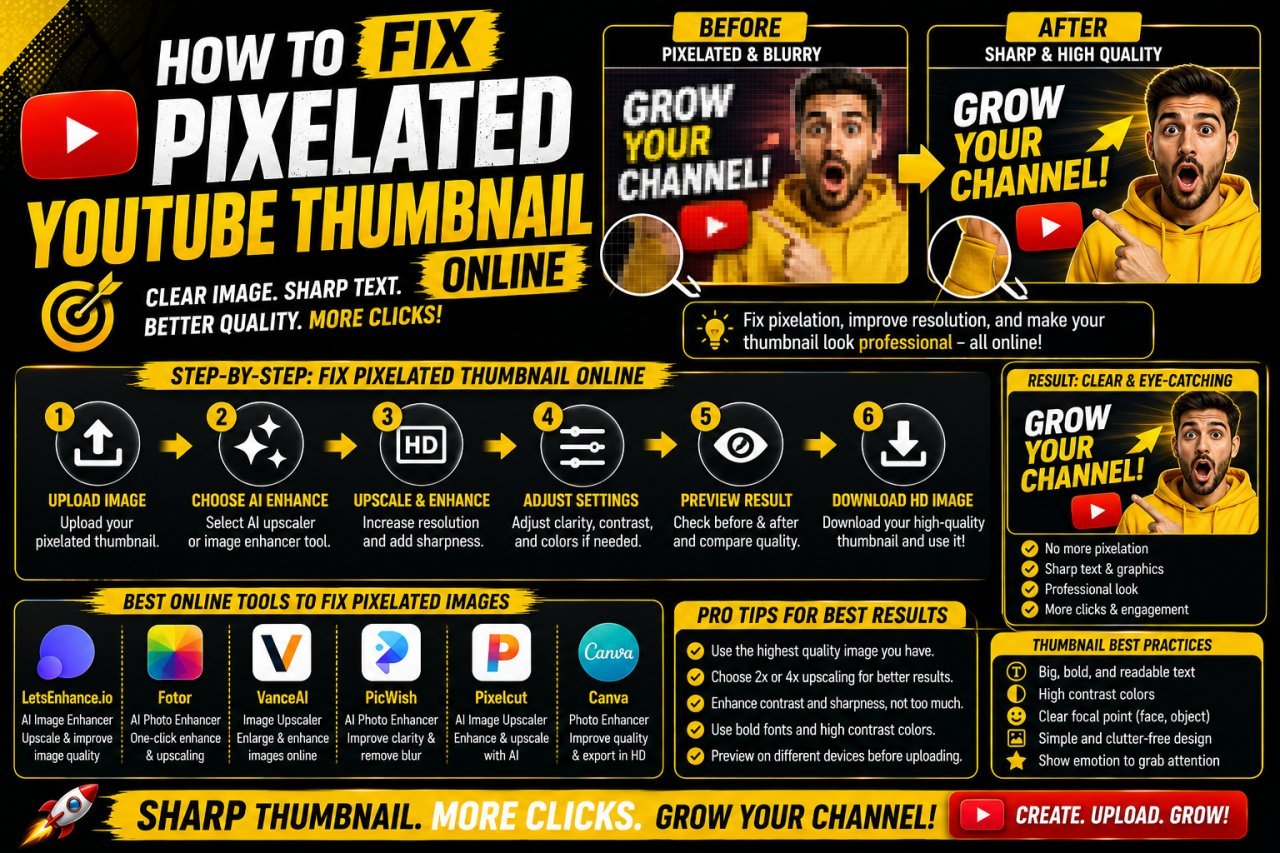
How to Fix a Pixelated YouTube Thumbnail Online
Learn how to fix a pixelated YouTube thumbnail online using better resizing, image enhancement, sharpening, compression, and export techniques.
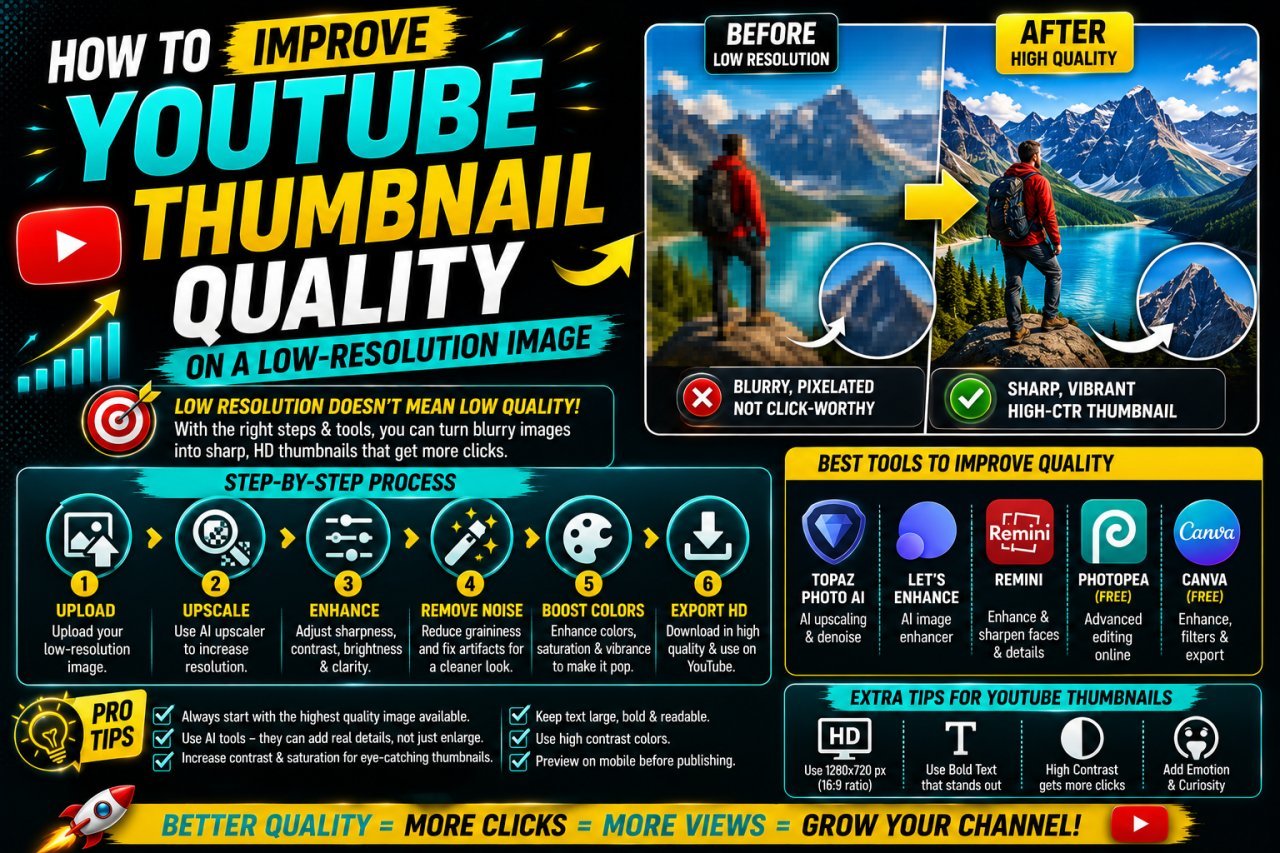
How to Improve YouTube Thumbnail Quality on a Low-Resolution Image
Learn how to improve YouTube thumbnail quality on a low-resolution image using resizing, sharpening, background techniques, compression control, and better export settings.
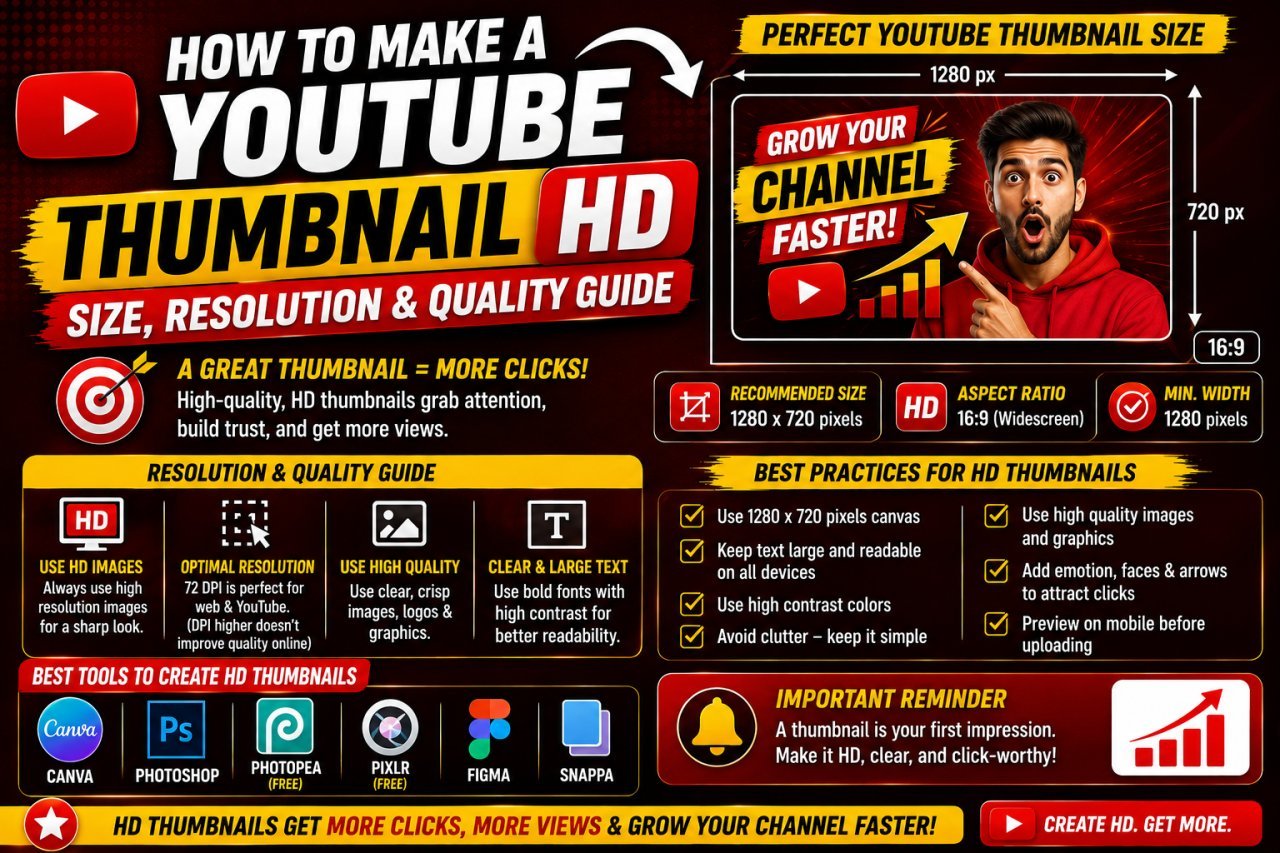
How to Make a YouTube Thumbnail HD: Size, Resolution & Quality Guide
Learn how to make a YouTube thumbnail HD with the right size, resolution, image quality, and export settings. Create sharp thumbnails without blur or pixelation.
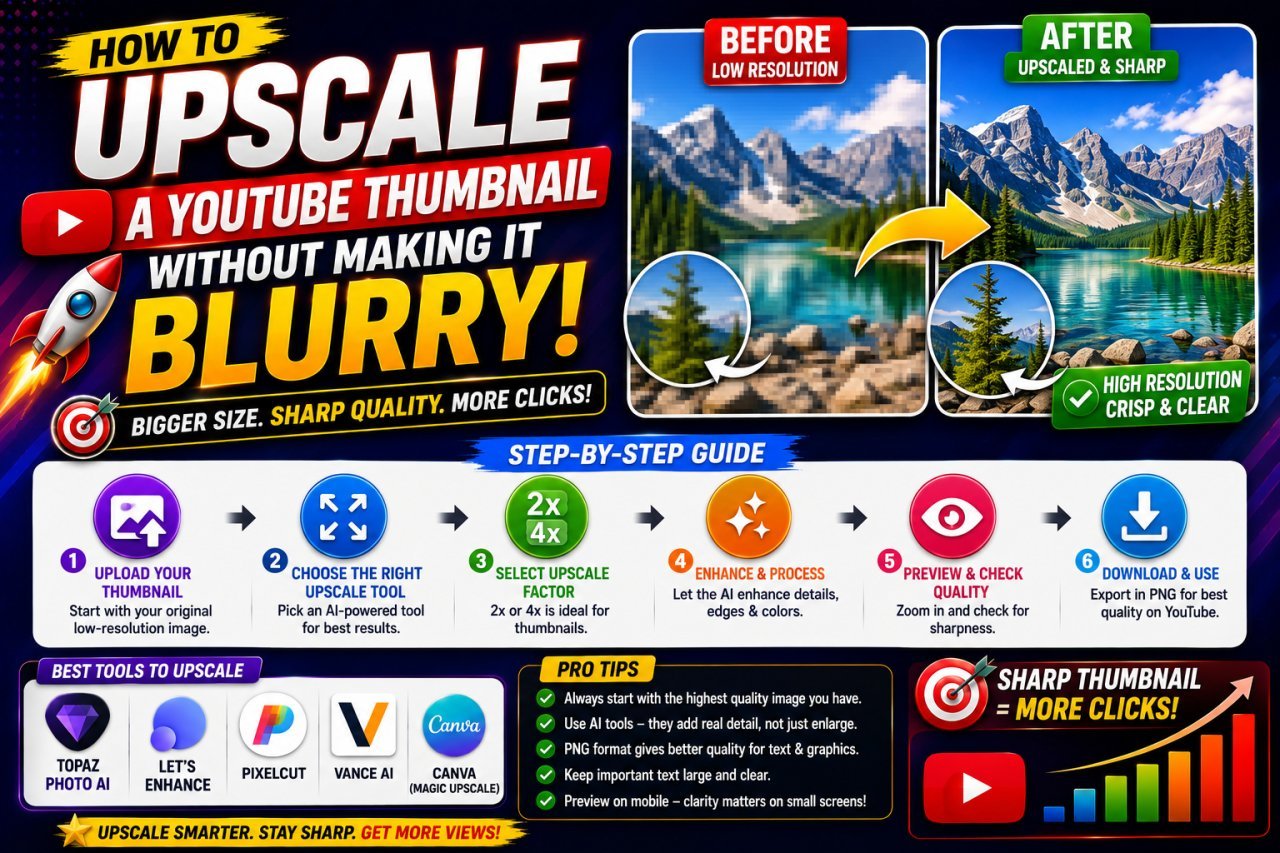
How to Upscale a YouTube Thumbnail Without Making It Blurry
Learn how to upscale a YouTube thumbnail without making it blurry. Discover the right image size, AI upscaling tips, sharpening techniques, and common mistakes to avoid.
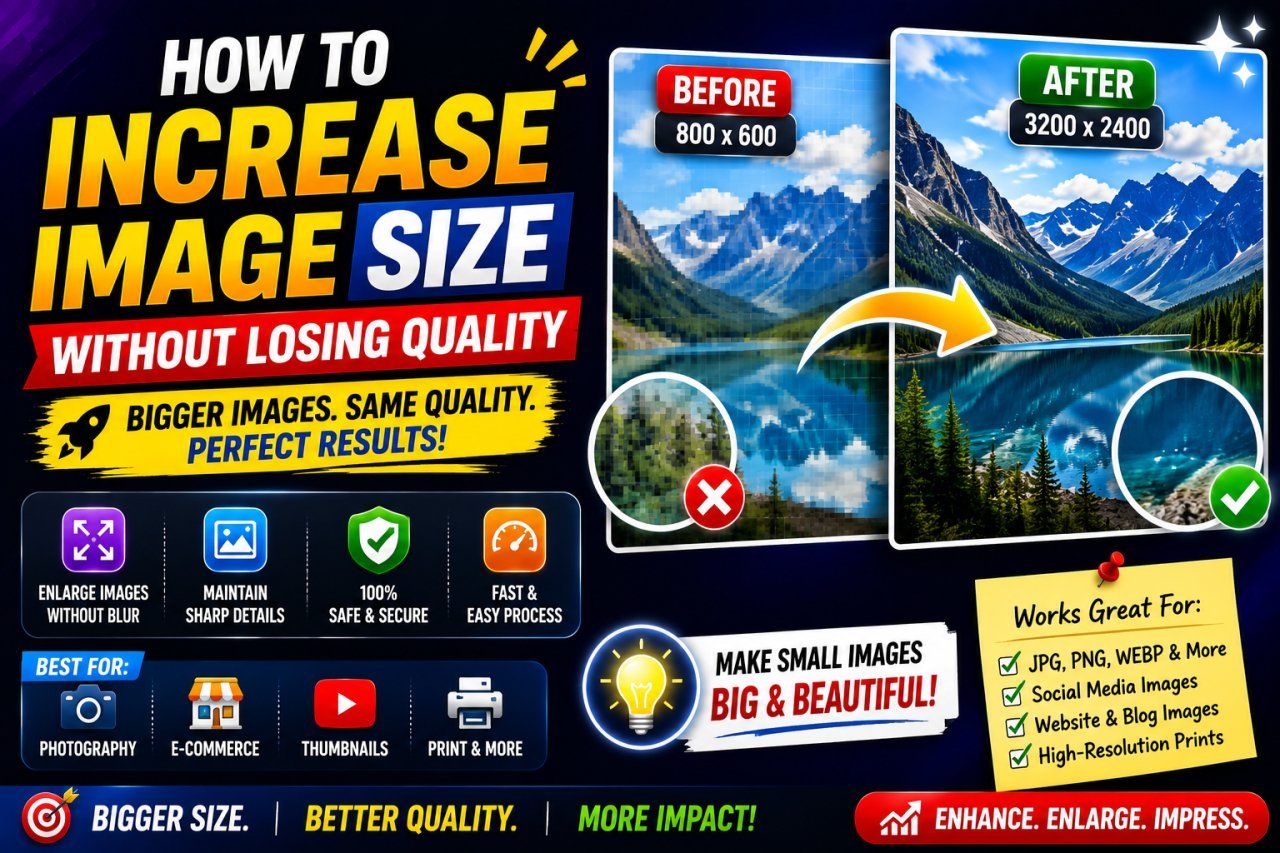
How to Increase Image Size Without Losing Quality
Want to make a small image larger without making it blurry? Learn practical ways to increase image size, improve resolution, reduce pixelation, and keep photos, graphics, and text as clear as possible.
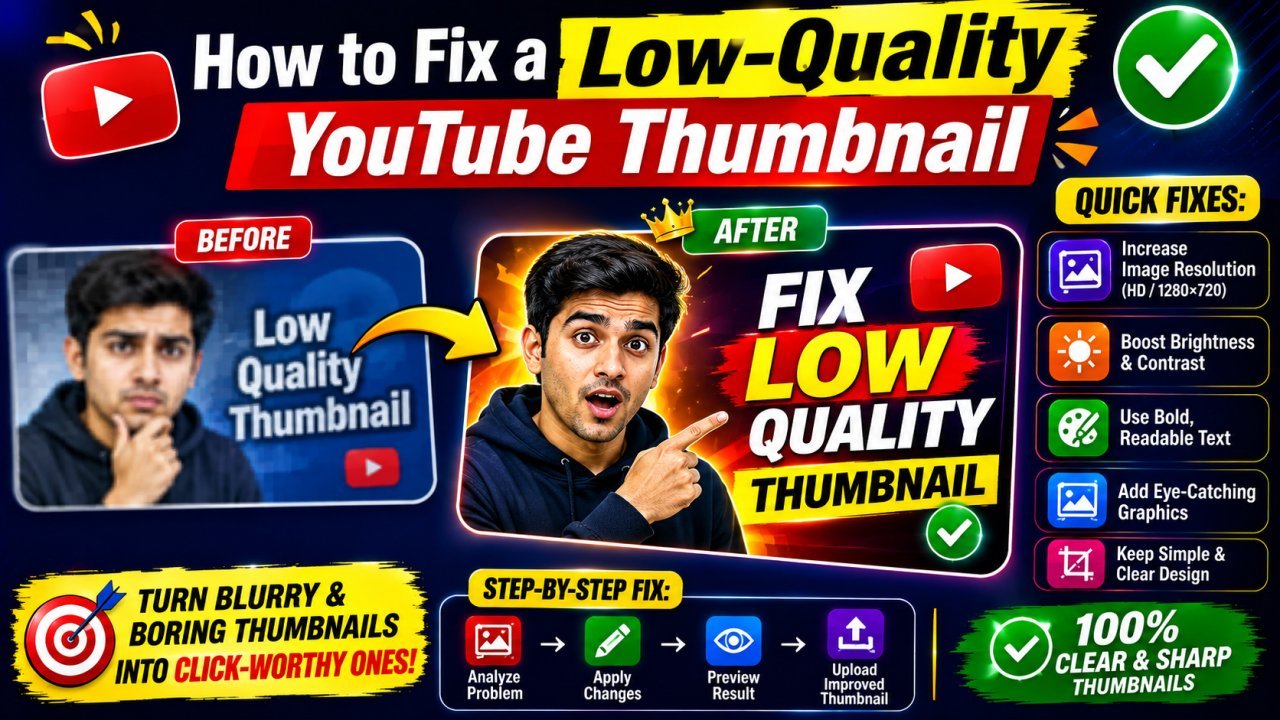
How to Fix a Low-Quality YouTube Thumbnail
Learn how to fix a low-quality YouTube thumbnail by improving resolution, sharpness, colors, text, and composition. This beginner-friendly guide explains practical ways to make blurry, pixelated, compressed, or dull thumbnails look clearer and more professional.
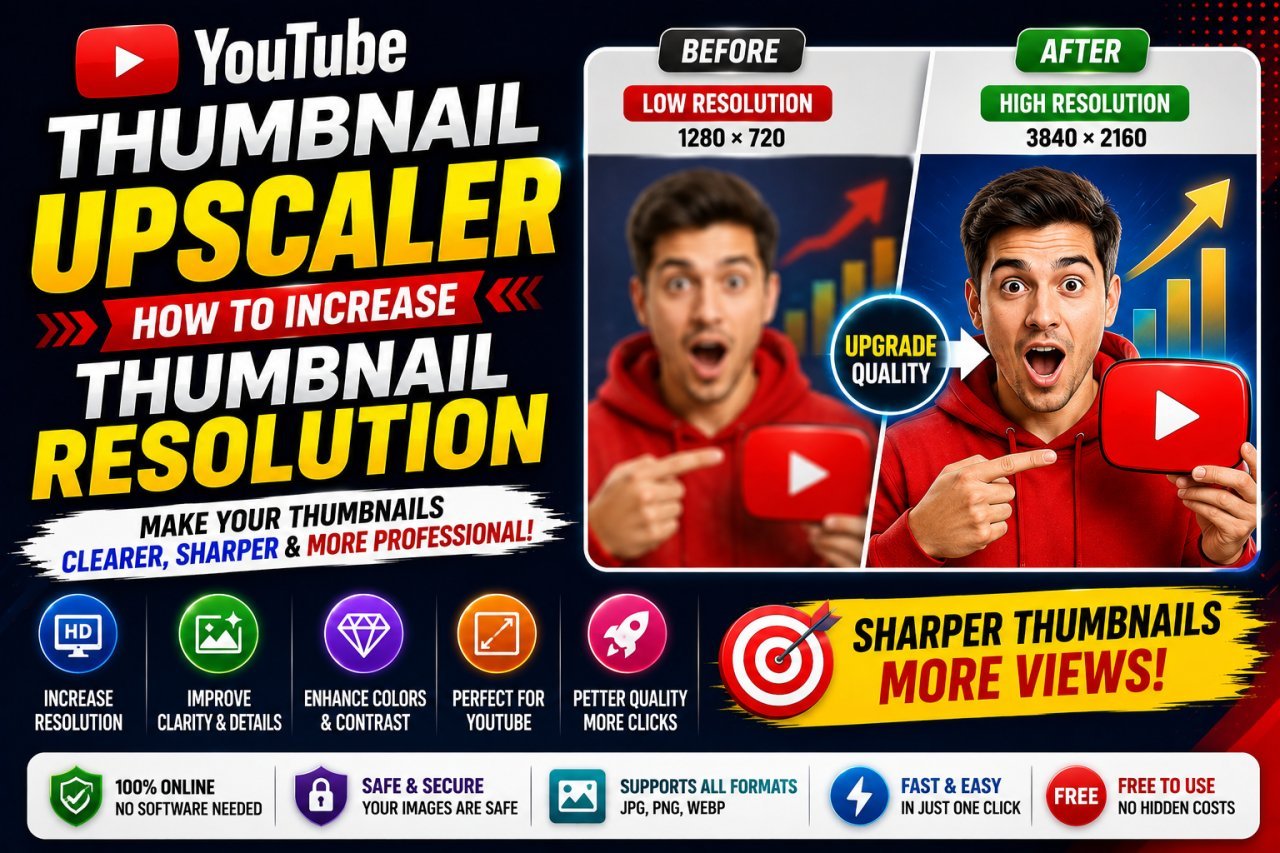
YouTube Thumbnail Upscaler: How to Increase Resolution
Learn how to increase YouTube thumbnail resolution with an upscaler. Discover how to enlarge blurry thumbnails, improve faces and text, fix pixelation, and prepare clearer 1280 × 720 images for YouTube.
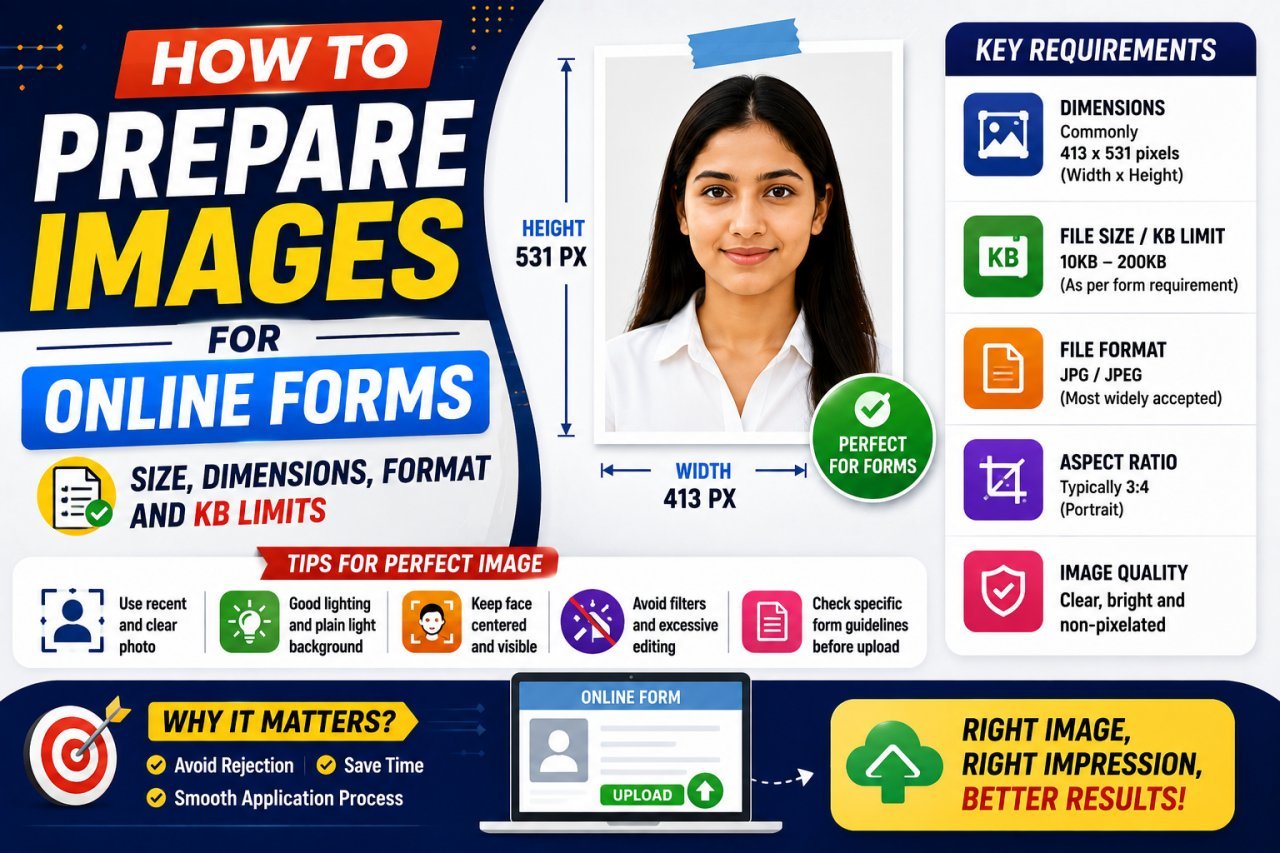
How to Prepare Images for Online Forms: Complete Guide
Need to upload a photo to an online form? Learn how to prepare images with the correct pixels, dimensions, file format, KB or MB limit, aspect ratio, and image quality so your file uploads successfully without becoming blurry.
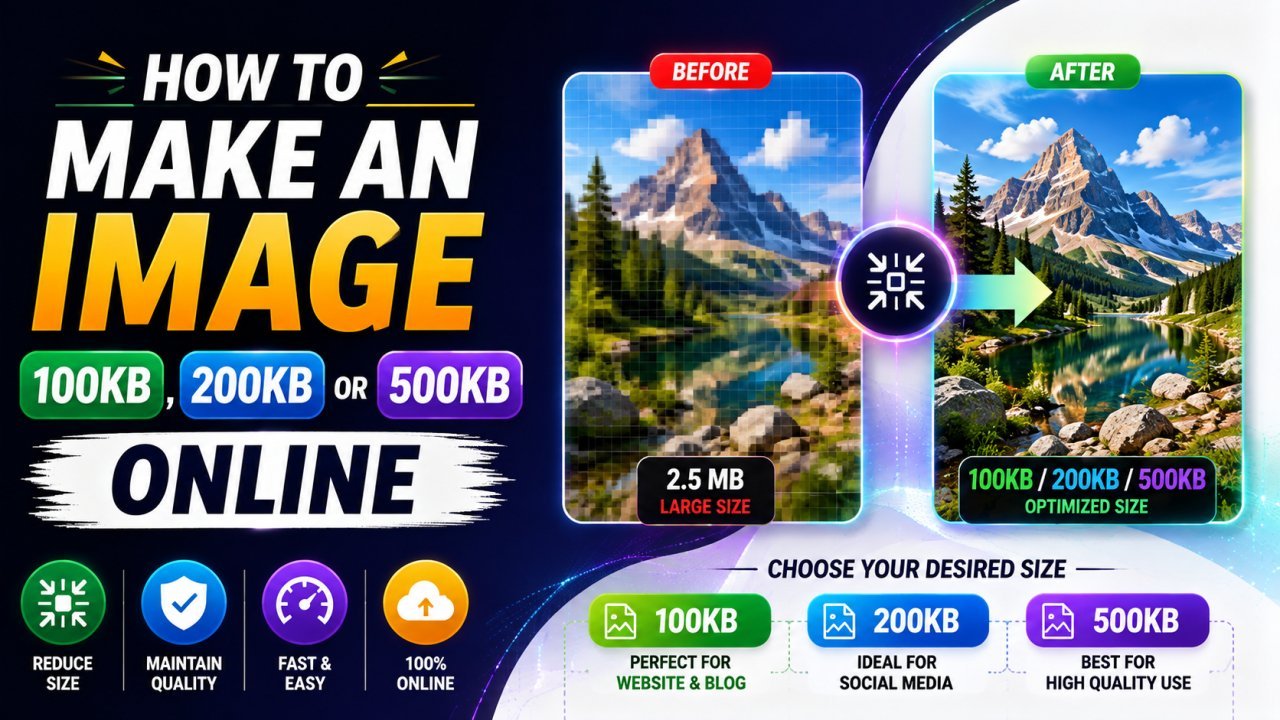
How to Make an Image 100KB, 200KB, or 500KB Online
Learn how to make an image 100KB, 200KB, or 500KB online without making it look blurry. This guide explains how to resize and compress JPG, PNG, and WebP images to meet specific file-size limits.
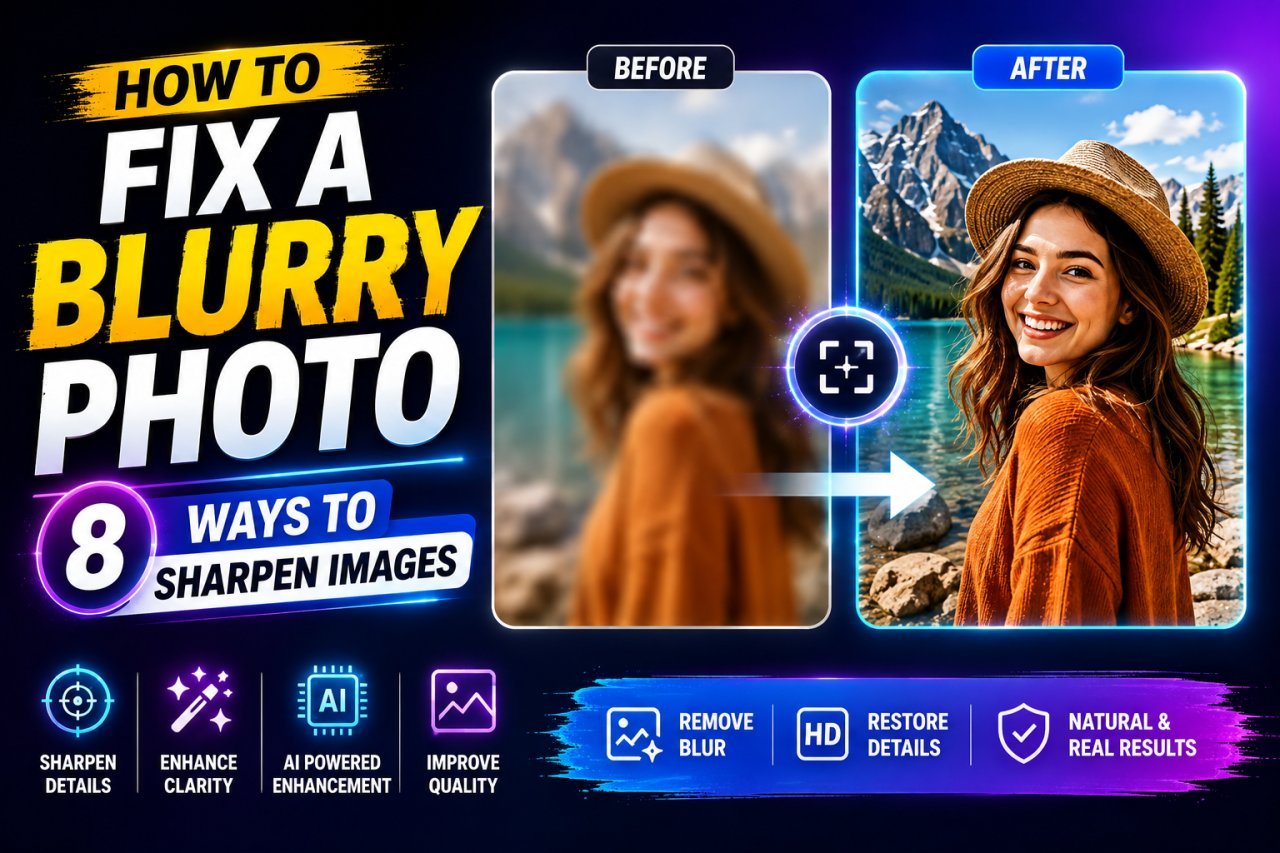
How to Fix a Blurry Photo: 8 Ways to Sharpen Images
Learn how to fix a blurry photo with 8 practical methods. Discover how to sharpen blurry images, improve low-resolution photos, reduce motion blur, and make pictures clearer without over-editing.
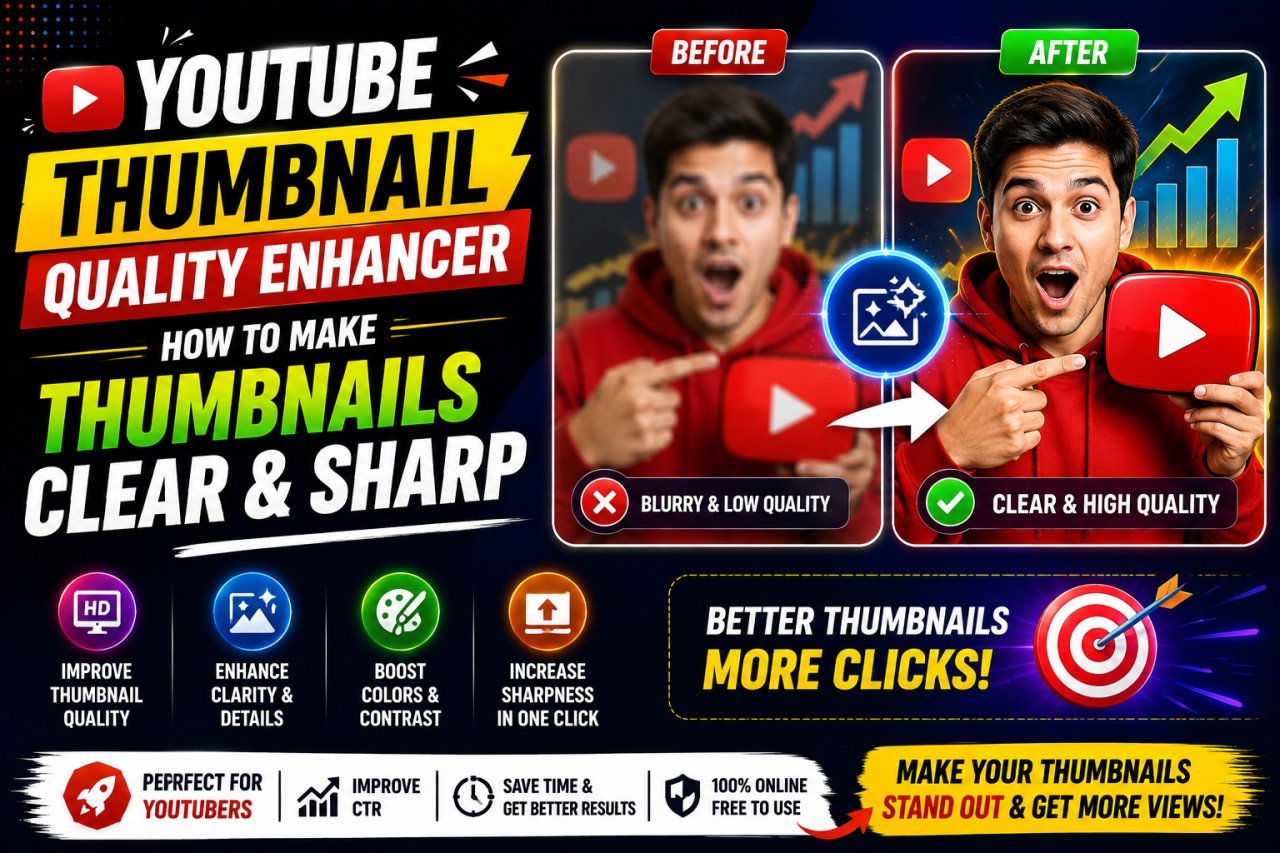
YouTube Thumbnail Quality Enhancer: Make Thumbnails Clear & Sharp
Want clearer YouTube thumbnails? Learn how to enhance thumbnail quality, fix blurry images, sharpen details, resize correctly, reduce compression, and create thumbnails that look crisp on phones, desktops, and TVs.
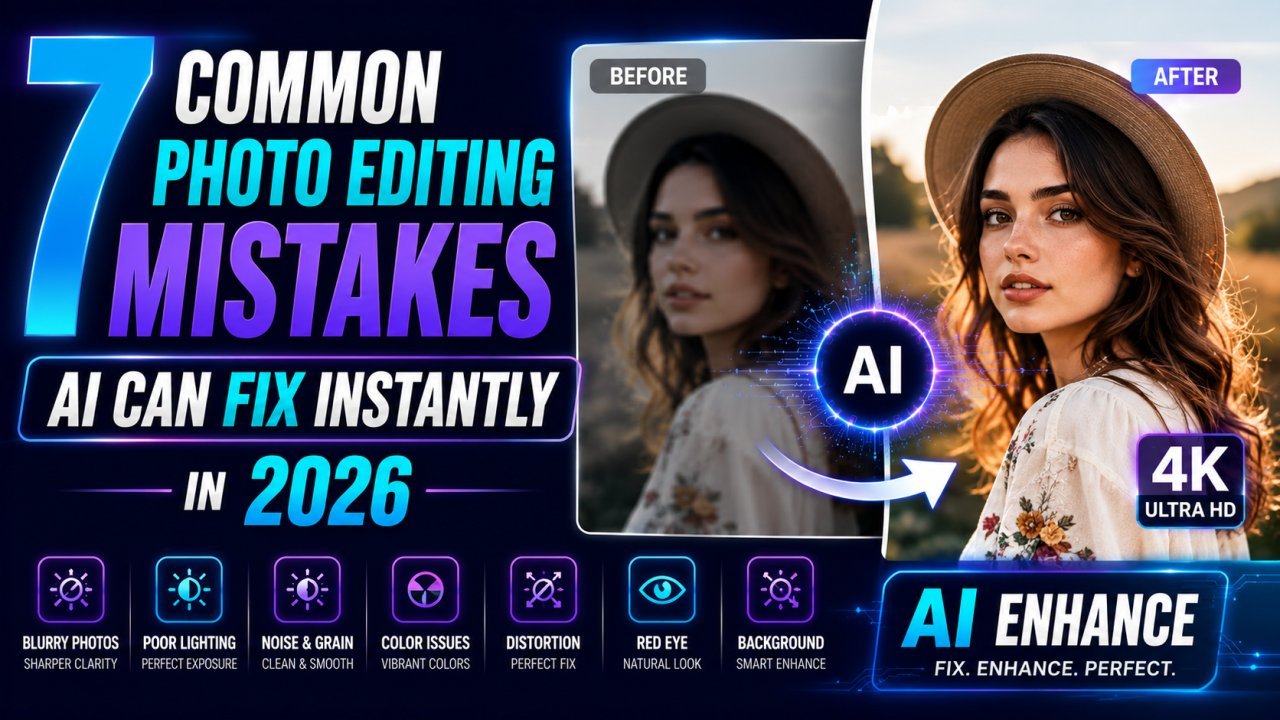
7 Common Photo Editing Mistakes AI Can Fix Instantly in 2026
Learn the seven most common photo editing mistakes and discover how AI image editors can fix blurry photos, poor lighting, backgrounds, low resolution, and more within seconds.
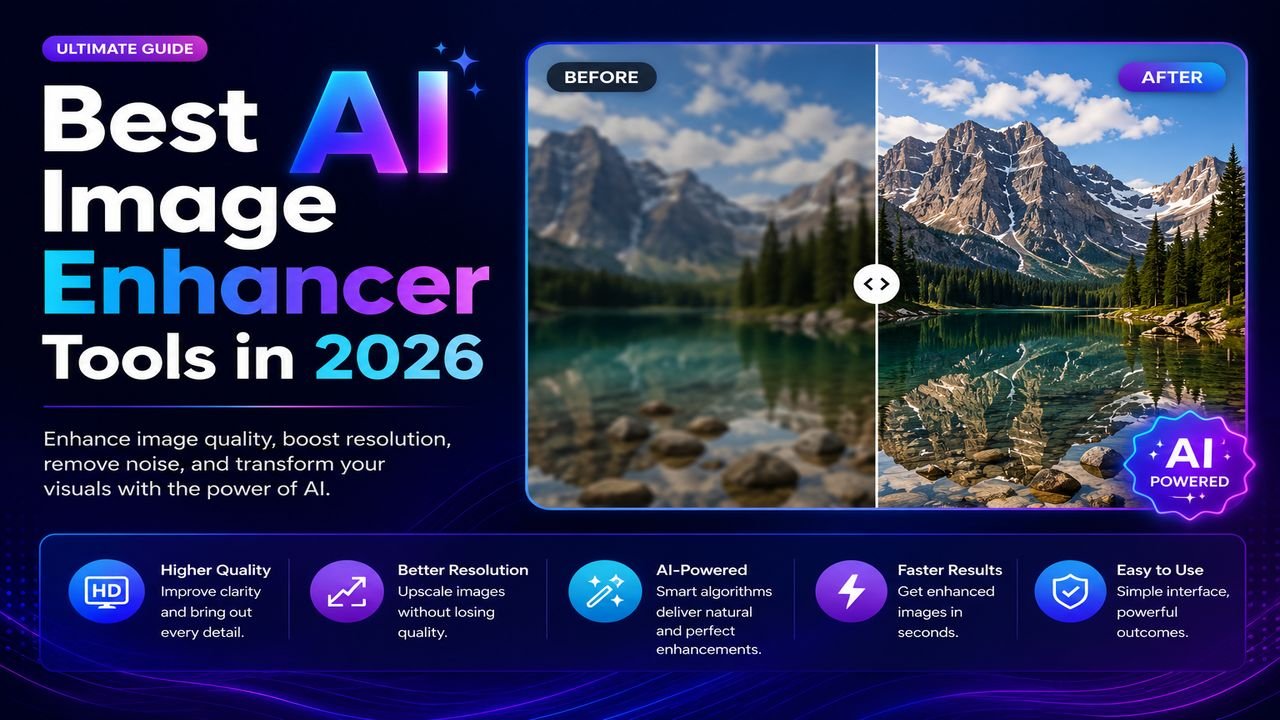
Best AI Image Enhancer Tools in 2026 (Free + Paid Compared)
Eight AI image enhancers tested on the same blurry, low-res, and noisy photos. Some made the cut. Most didn't. Here's what actually works in 2026.
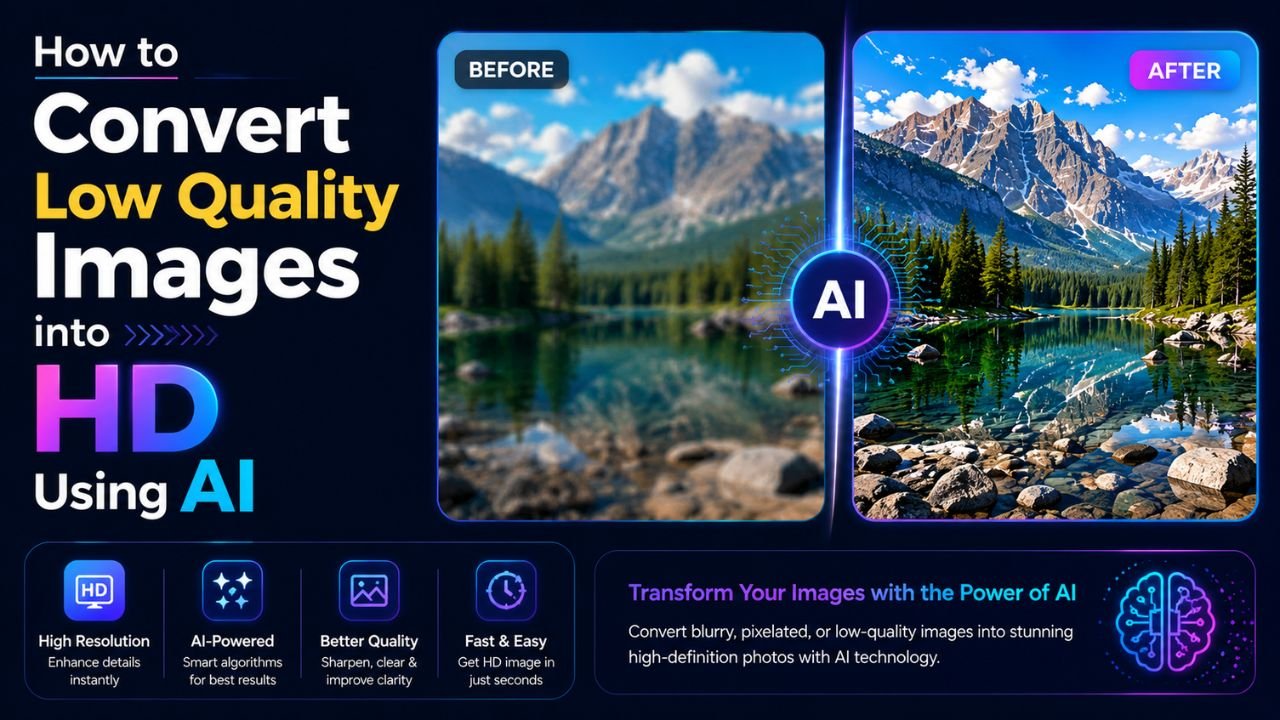
How to Convert Low-Quality Images into HD Using AI (Step by Step)
Got a blurry, pixelated photo you wish was sharper? AI upscaling can genuinely help — when you know its limits. Here's the realistic guide.
How to Blur Background Like a DSLR Using Online Tools (No Camera Needed)
That dreamy DSLR portrait blur (bokeh) is now reproducible from any phone photo — using free online tools that simulate depth of field convincingly.
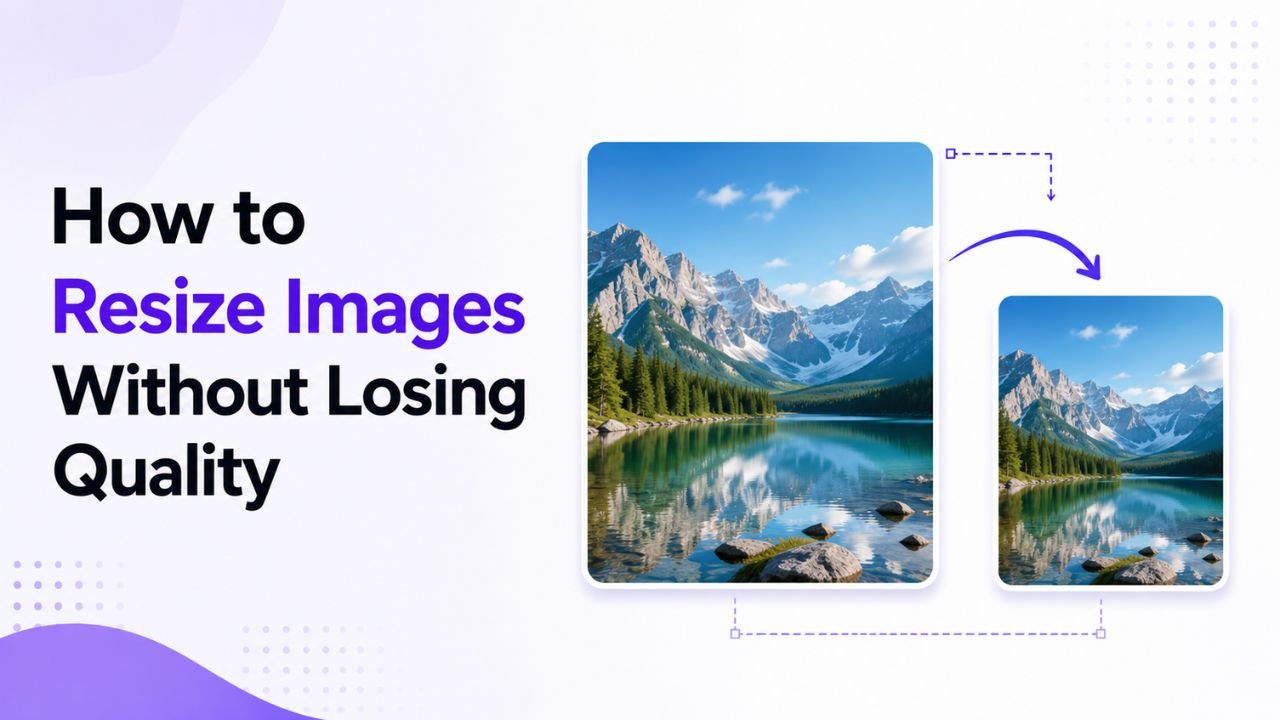
Why Resized Images Come Out Blurry (And How to Stop It)
Resizing seems trivial but most tools make it look worse than it should. Here's how to keep images crisp regardless of which direction you're going.